I have a tablet (S9FE) in the ultralight (UL) that hasn’t been displaying the approach charts for some time. I have the same tablet at home with VFRNAV installed there as a backup. On that device the approach charts are displayed correctly. Is there any parameter I might have accidentally configured incorrectly? For example: are they all set to transparent? (There is also no dashed outline). Deleting and re-importing the approach charts made no difference. I haven’t tried reinstalling VFRNAV yet; that would be my next step unless someone has a simpler idea.
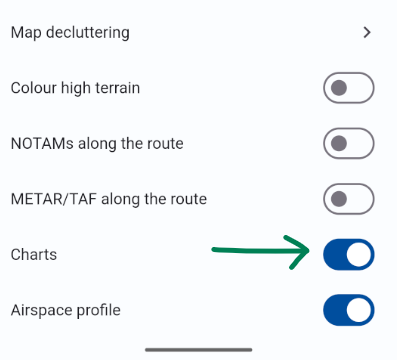
Unfortunately I could only get to the airfield today to check the settings. And indeed — embarrassingly — the approach plates had been disabled in the settings…
I had only looked in the settings accessible from the main menu.
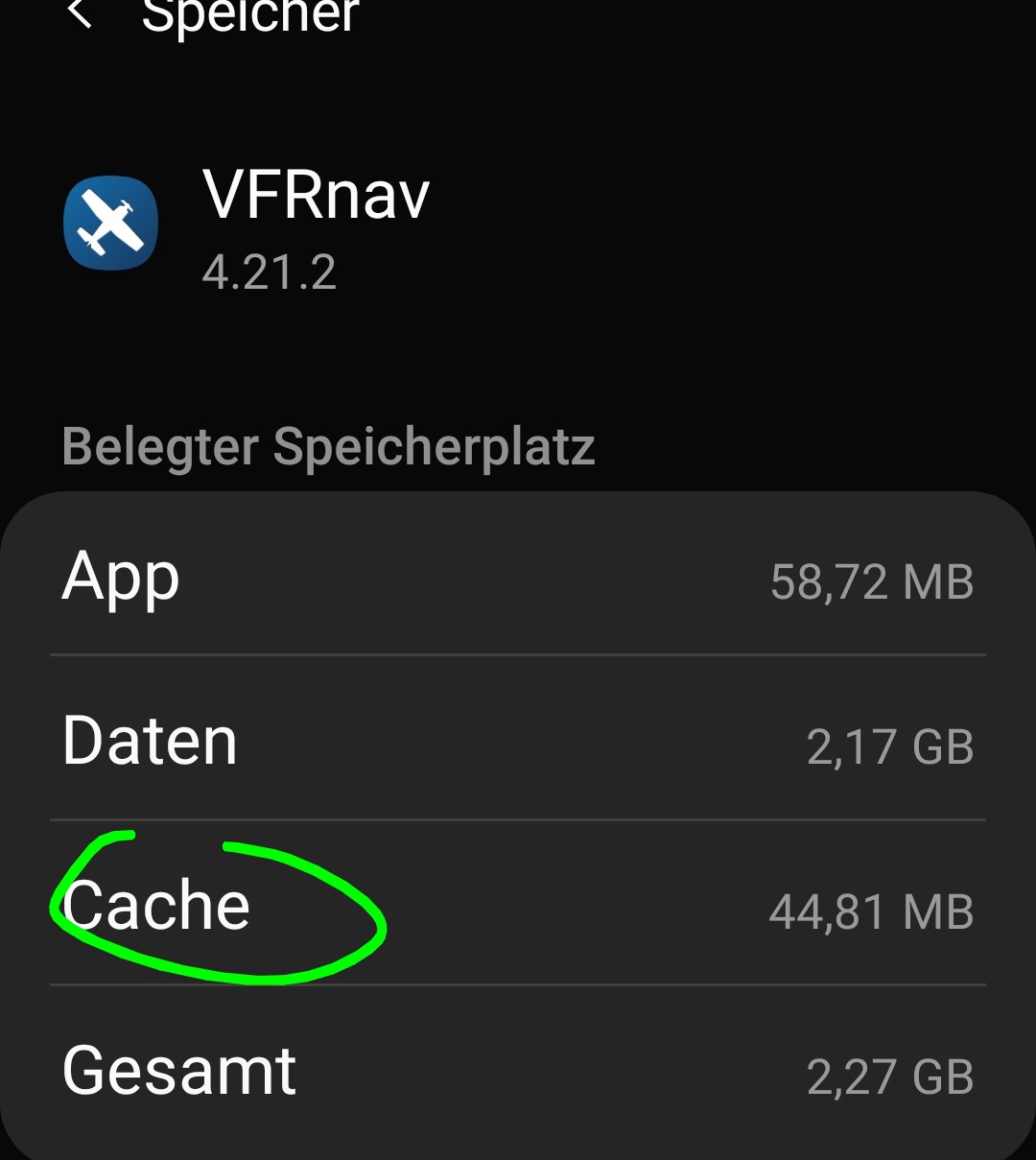
 …otherwise please try installing a completely new approach chart from the AIP via VFRnav. (just as a test.)