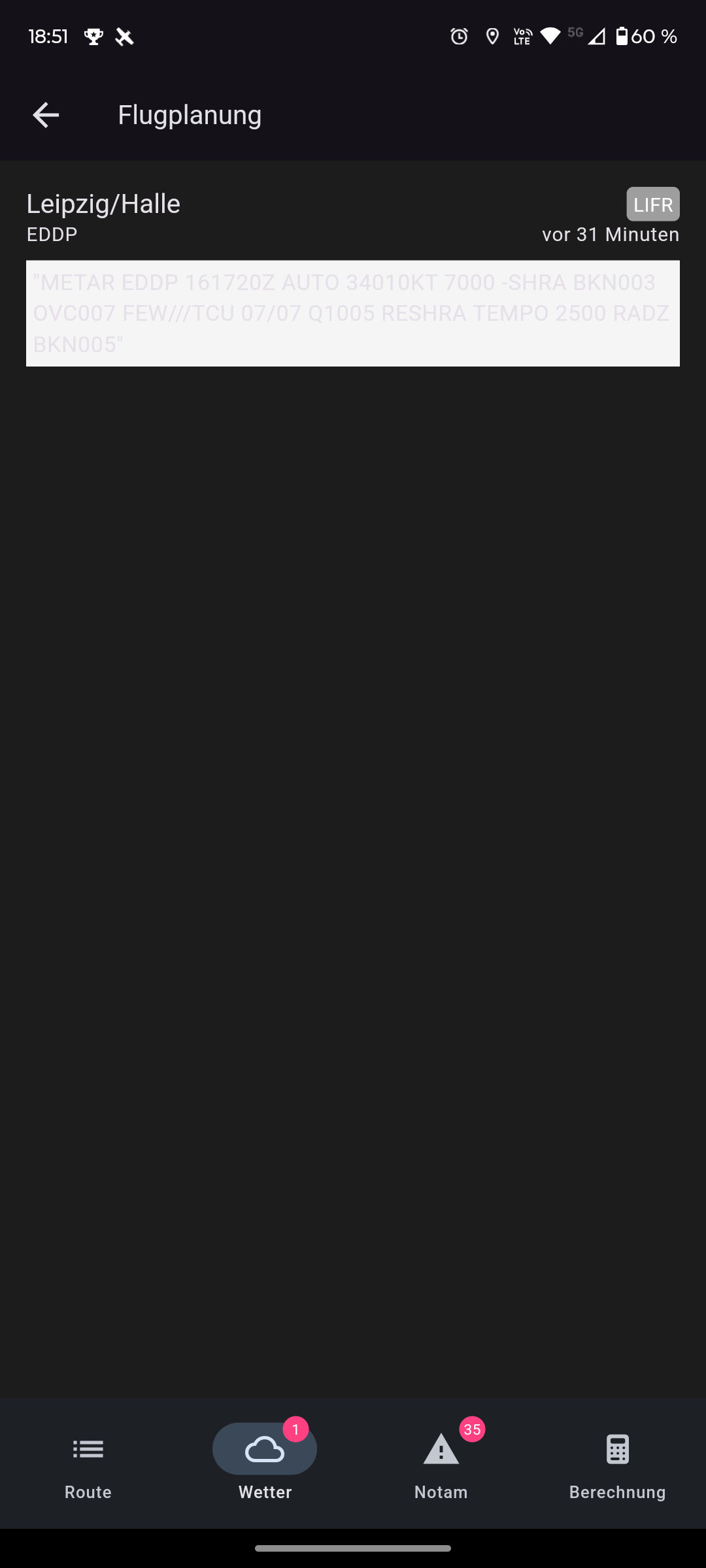
When running the app in dark mode, the METAR is hard to read. (dark screenshot).
Idea:
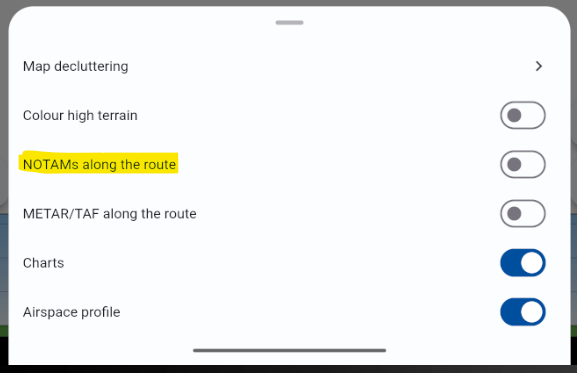
On the map, the NOTAMs are displayed.
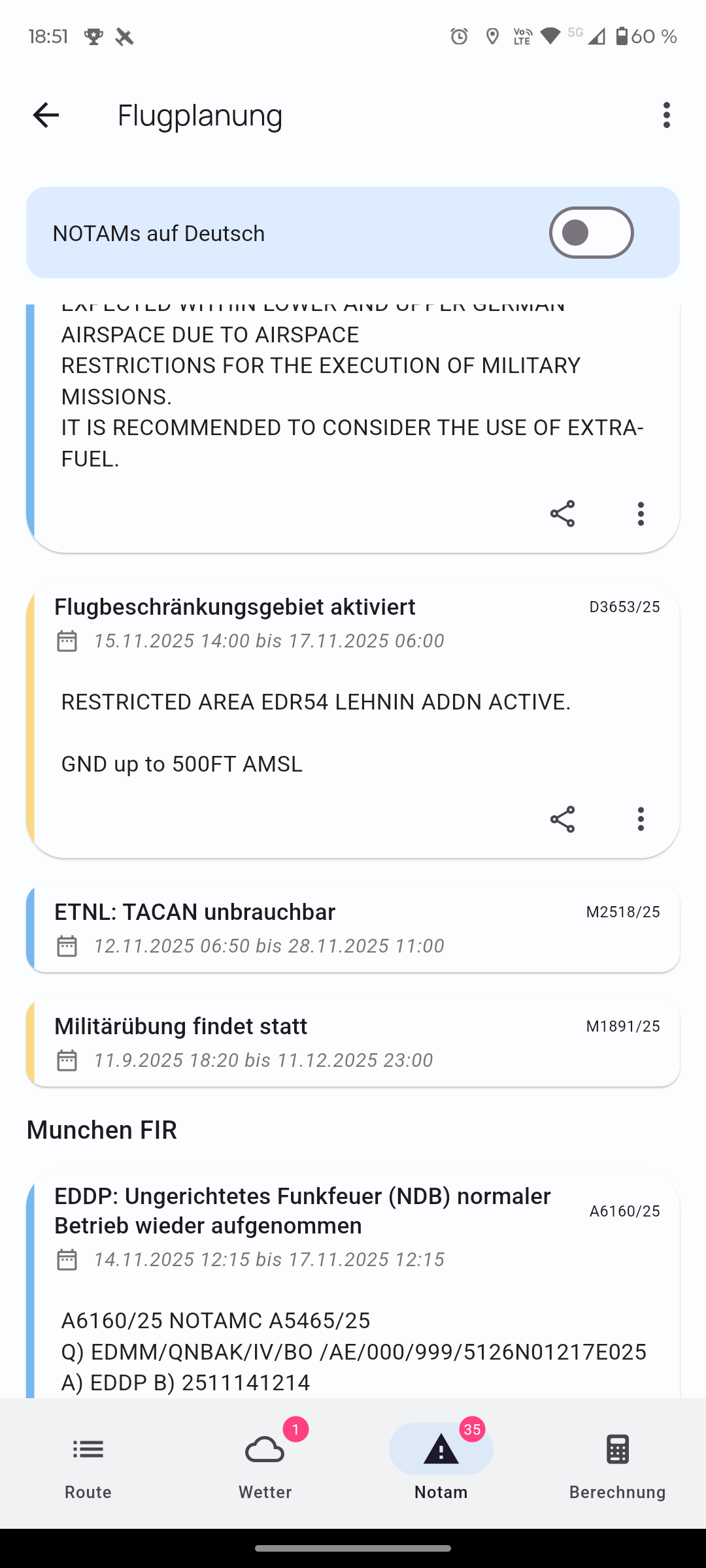
That’s great. Maybe you could add a ‘show on map’ option in the list? Especially for longer routes, I find that helpful, since you can then view them directly on the map.
Ah great, then it’s already known and I’ll switch to ‘dark’ with the next update.
The option displays the NOTAMs on the map.
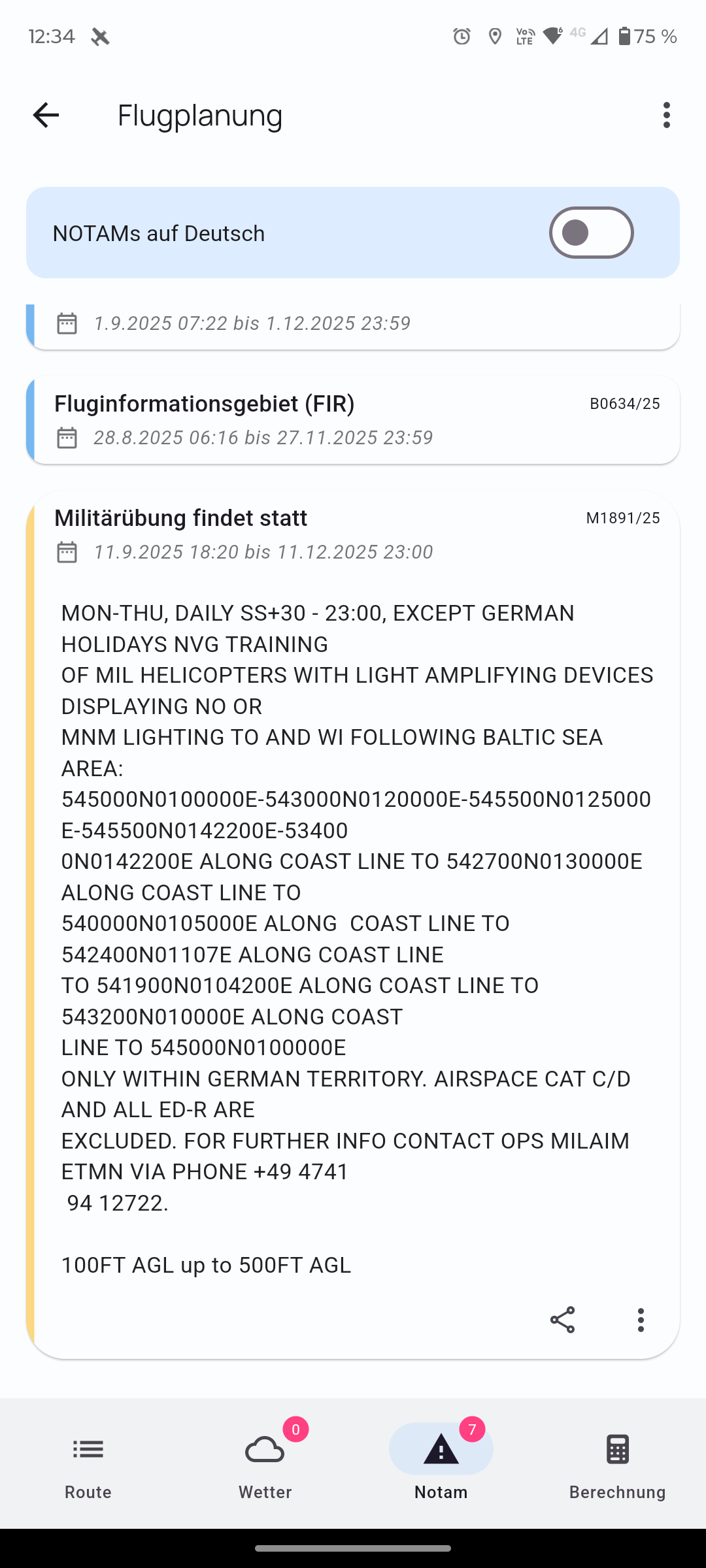
What I meant was that from the NOTAM overview you can display the NOTAM on the map and, with a button (which you could add to the three-dot menu), jump straight to the map and have the NOTAM’s circle displayed.
I tested VFR Nav in flight for the first time today—it’s really a great app!
Nevertheless, I’d like to put forward a few suggestions for improvements:
With a saved route, waypoints that only contain GPS coordinates (i.e. no recognised waypoints) are not retained when the route is reopened. They do appear in the list, but not on the map.
It’s a pity that the circuits are not marked in northern Italy.
It would be great if you could change the set altitudes in the elevation profile.
The elevation profile can only be zoomed vertically, not along the flight path (so that you can see the entire route from departure to arrival in one go). Also, the route is not shown as a line in the elevation profile.
When tapping on airspaces (CTR), it would be great if the selected area were highlighted on the map so that its boundary is clearly visible. Airspace frequencies are also quite confusing (especially when three or four airspaces overlap).
I couldn’t find a function to display the remaining time to the ETA, i.e. the minutes left until landing, e.g. 1 h 23 min to go.
It’s a shame that the circuit direction isn’t shown next to the airfield orientation, e.g. 01 L – 19 R.
Sorry for the many suggestions… I don’t know the app well yet, but I will certainly get it. As a glider pilot, I’m not prepared to spend so much on SkyDemon. I was looking for a cheaper app that is nonetheless good.
Regarding points 3, 5 and 6, I can write something
The route line in the elevation profile is apparently in progress. Hermann already mentioned that somewhere here in the forum. The first step was adding altitude information to flight planning, which has been in since the last version or the one before that.
If you double-tap on a point, you see the “AIRSPACES” tab at the bottom. Then if you tap on an entry, the airspace is highlighted in yellow.
The ETA field is visible for me at the bottom right on my phone. Next to it is ETE. Both fields can be switched by long-pressing, either to the next waypoint or to the end of the route. If the fields are not visible for you with an active route, have a look in the settings — they can be configured there too.
I hope everything I’m writing is correct.
Otherwise, wait for a reply from Hermann; he can write something about everything
a warm welcome to the forum and many thanks for your feedback.
Gerhard has already correctly summarised a few points. Thanks for that @old_edwi
An update is already on the way for the missing waypoints in the loaded route. A small bug had sneaked in there.
Unfortunately, we currently have no source for traffic patterns in Northern Italy. If you know one, please send it to mail@flugbetrieb.com. We’ll be happy to take a look.
and 4. The planned altitude of the flight route in the elevation profile is coming and is currently being tested. I’ve added the horizontal zoom to the ToDo list.
It’s available with a double tap. Is that what you mean?
ETE/ETA can be switched in the settings. Let me know briefly if that’s what you mean.
I’m checking whether we can obtain suitable data for this. Thanks for the suggestion.
As a final suggestion, something that just occurred to me spontaneously: a search function on the standard map view where you can search for a waypoint, location or airfield even in-flight (it happened to me recently that I needed to fly to a place, but I missed having a quick search function without having to modify the route).


 I don’t know the app well yet, but I will certainly get it. As a glider pilot, I’m not prepared to spend so much on SkyDemon. I was looking for a cheaper app that is nonetheless good.