Since the last update, every time I close and reopen VFRNav, the QNH display switches to QNE without any notification. It even initially still shows the last QNH. With three taps it becomes obvious that this is wrong. On the ground I notice this immediately; in the air I find it rather dangerous. Please take a look, thanks!
yes, I’m using the iPhone’s internal sensor here. Of course I enter an official QNH if I have one; however it’s still a problem when VFRNav even displays that value but has actually set it to 1013, and I don’t even notice. And I have to restart the app more often, for example when CCAS doesn’t start right away. So…

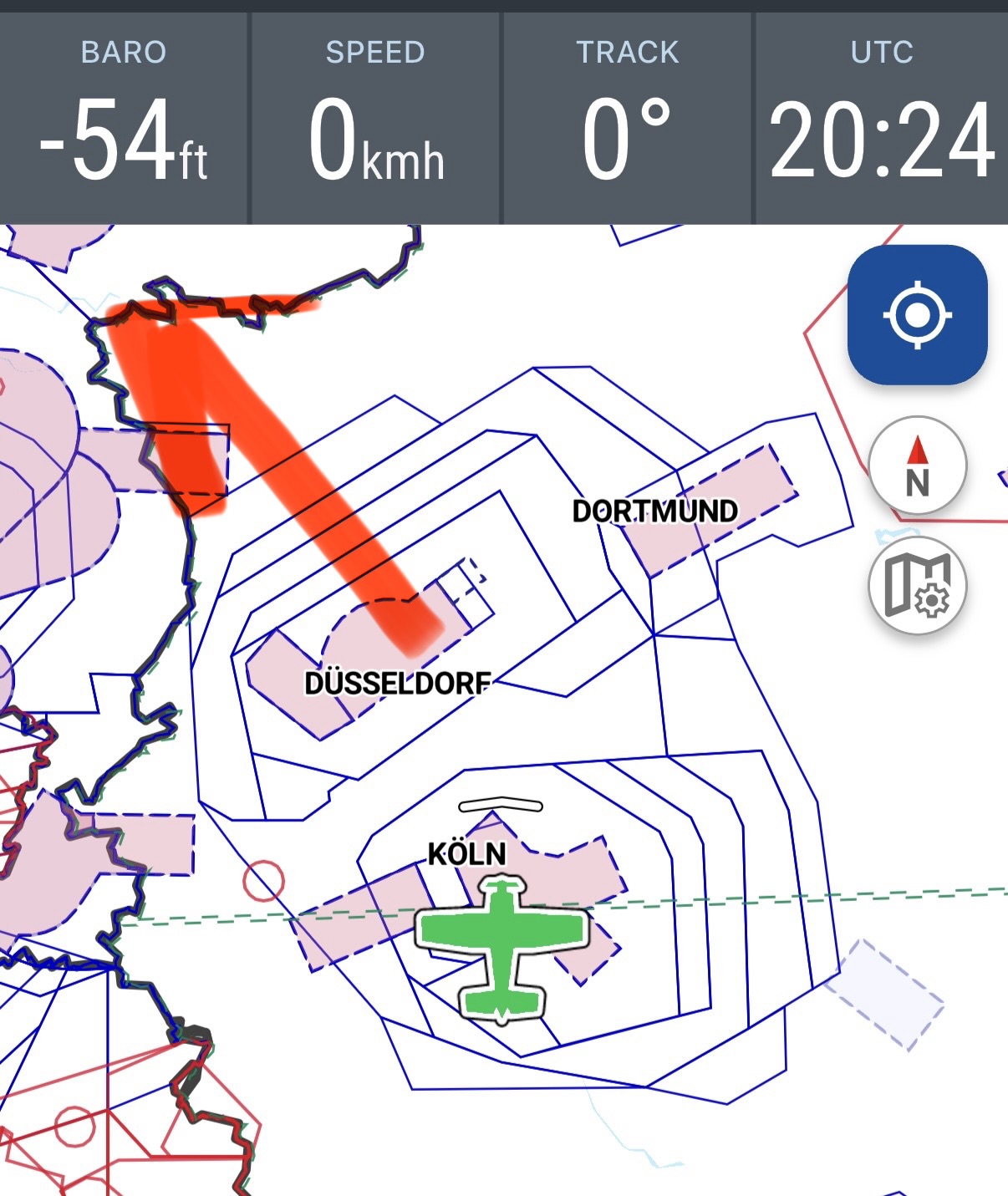
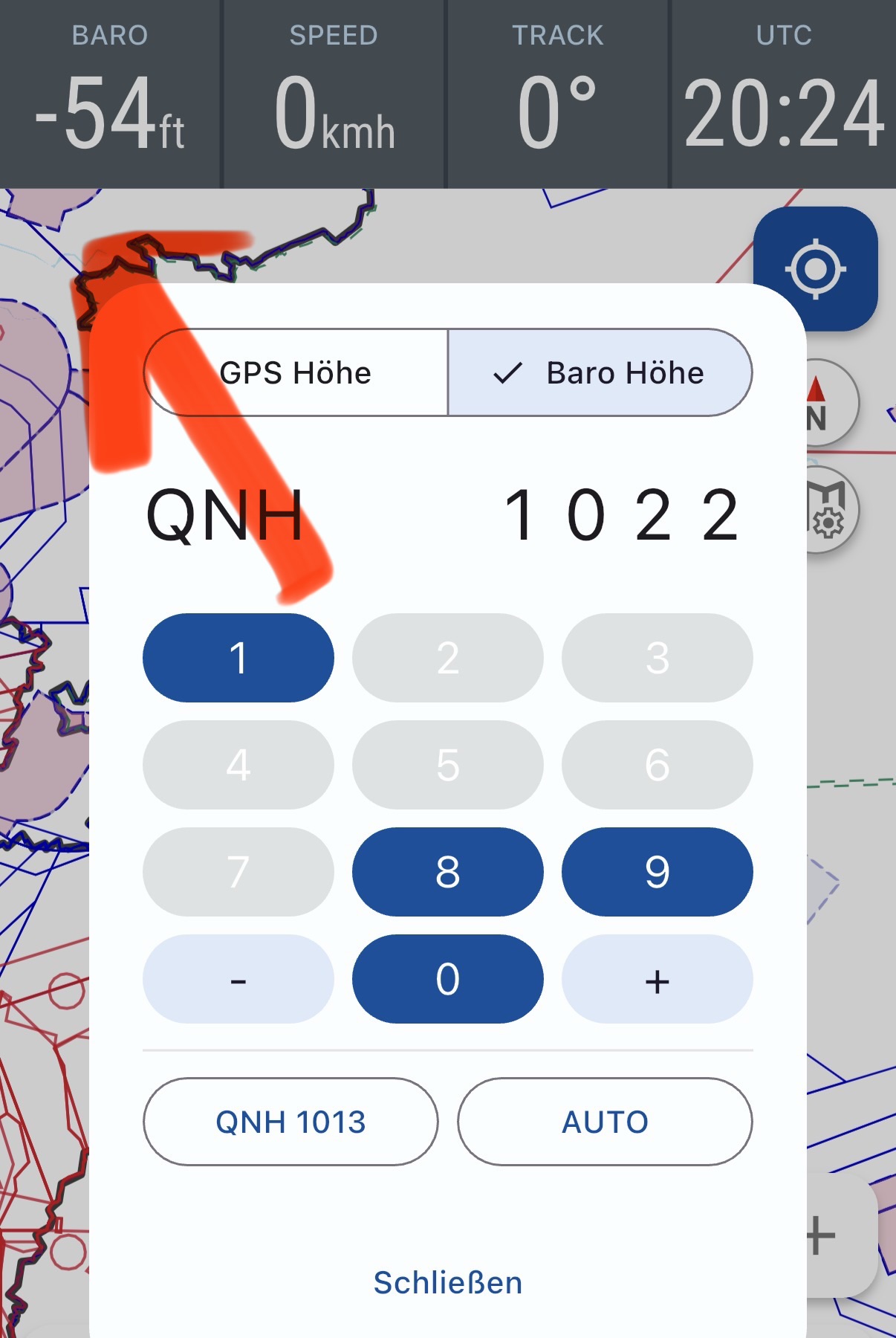
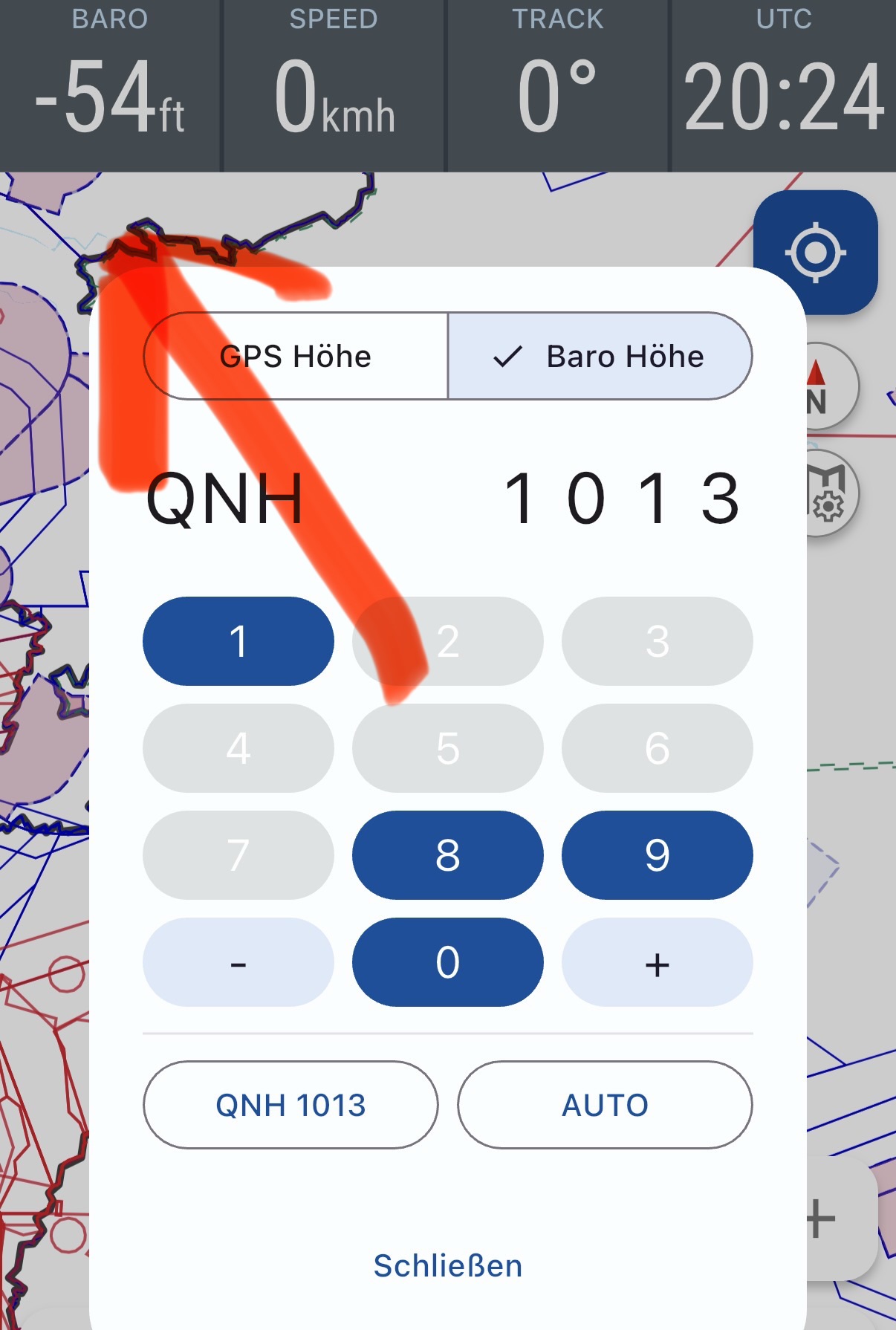
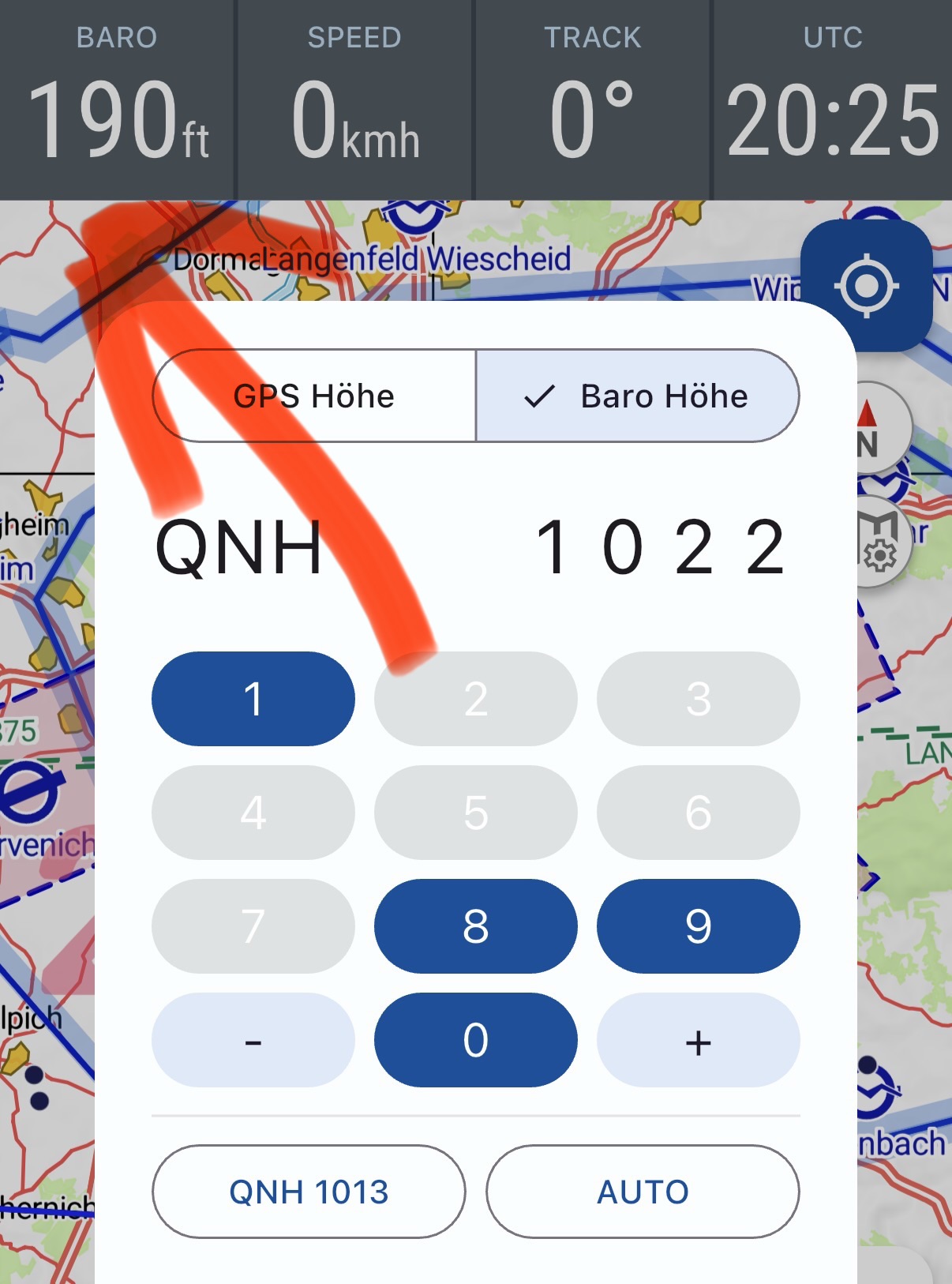

 I was just able to reproduce this. Thanks for the heads-up