I’ve been happily using VFRNav in flight training but since yesterday I get “NO GPS” on the main screen. Other apps (Google maps, OSMAnd, GPS Test) still seem to be able to get the correct location, even with Wifi and 4G disabled. The signal strength window shows multiple green and red bars.
No external devices are connected to my phone.
I’m using version 4.25.2 on Android 10.
I tried restarting the phone and clearing the cache. The app also has permission to use location data when the app is in use. Anything I can do to get GPS back for the app?
While waiting for Jos’s reply, I’d like to ask an additional question.
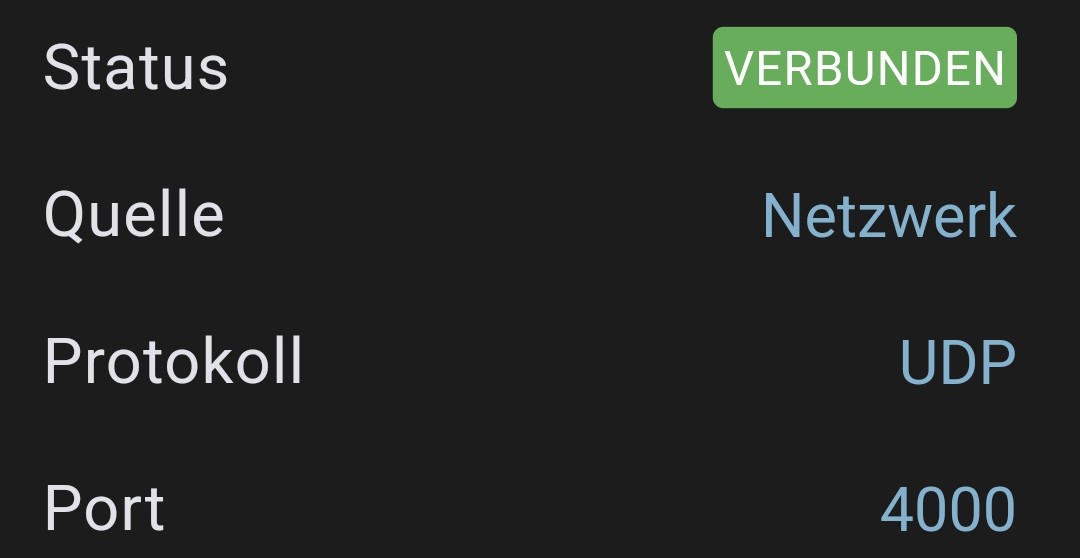
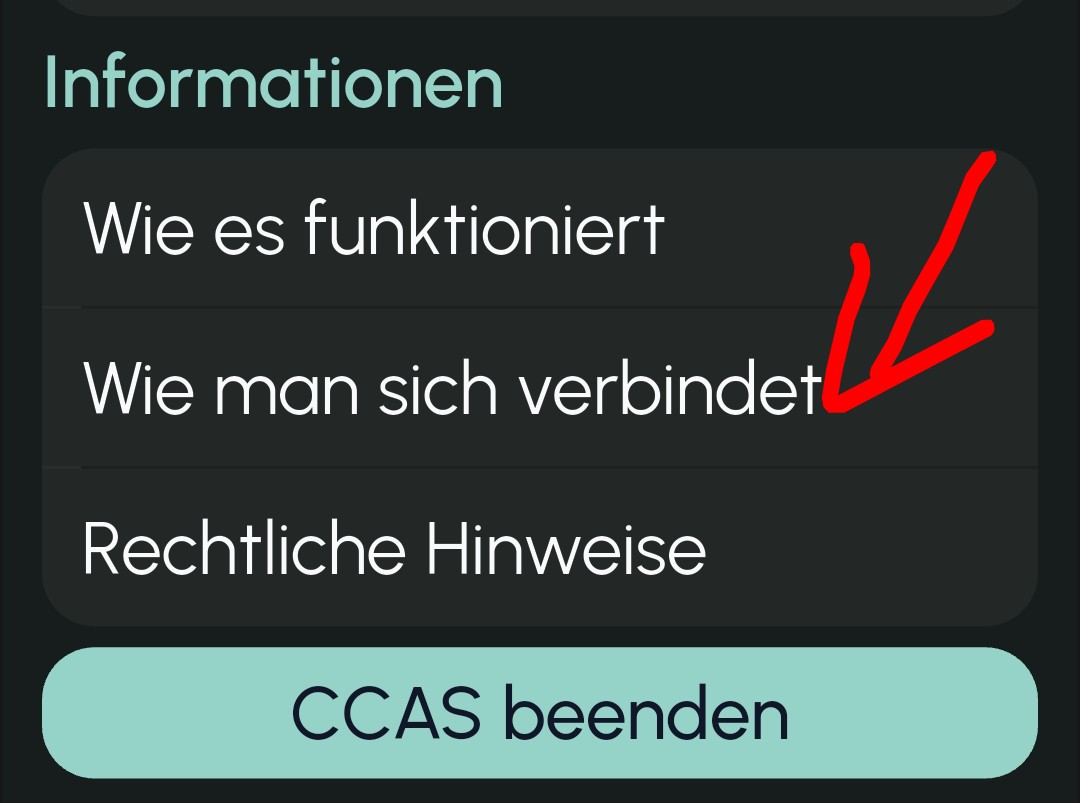
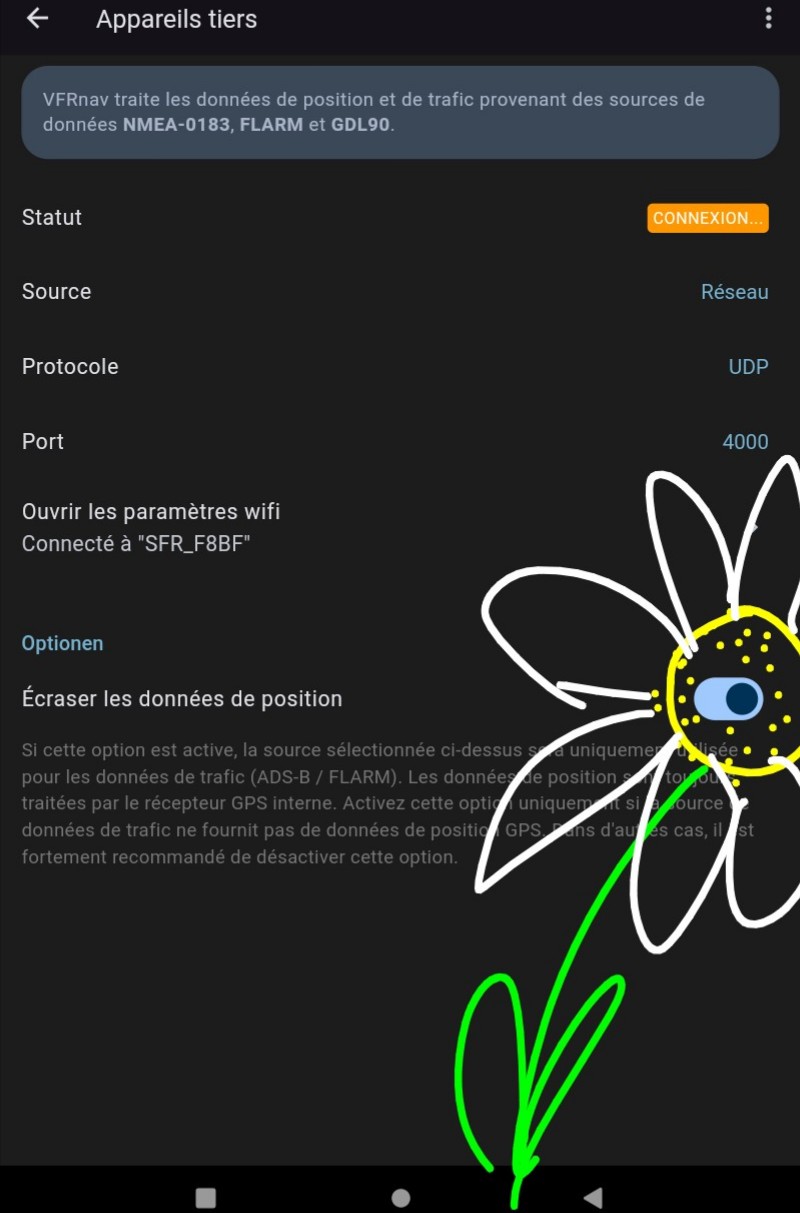
When CCAS and VFRnav are active on the same tablet, does it matter to choose CCAS as the “external” source of position data, or can we keep the so-called “internal” source directly in VFRnav without any drawbacks, since they then use the same source?


 …such a beautiful picture.