This update introduces numerous internal improvements aimed at enhancing stability, performance, and overall code quality.
In addition, we have made small adjustments to the user interface and usability to provide a smoother experience.
As always, if you encounter any issues or have ideas for improvements, we’d be happy to hear from you. Feel free to reach out to us by email or share your feedback directly here in the forum.
exactly
Exactly as Karsten wrote. The changes are checked by Google (Android) and Apple prior to release. Only after the (successful) check is the rollout initiated. Altogether, it takes anywhere from a few hours to a few days.
here: Under “Signal Quality” no GPS display (stuck on “Waiting for GPS…”)
Dear VFRnav team,
I am very satisfied with VFRnav and have been using it for several years. Thank you very much for the excellent work and service. My paired STRATUX system is also working flawlessly (Android Samsung A52 5G). I recently updated to the new version VFRnav 4.17.2, and when checking the GPS signal quality no signals are shown and
Addendum regarding the missing GPS signal indicator (“Waiting for GPS…”):
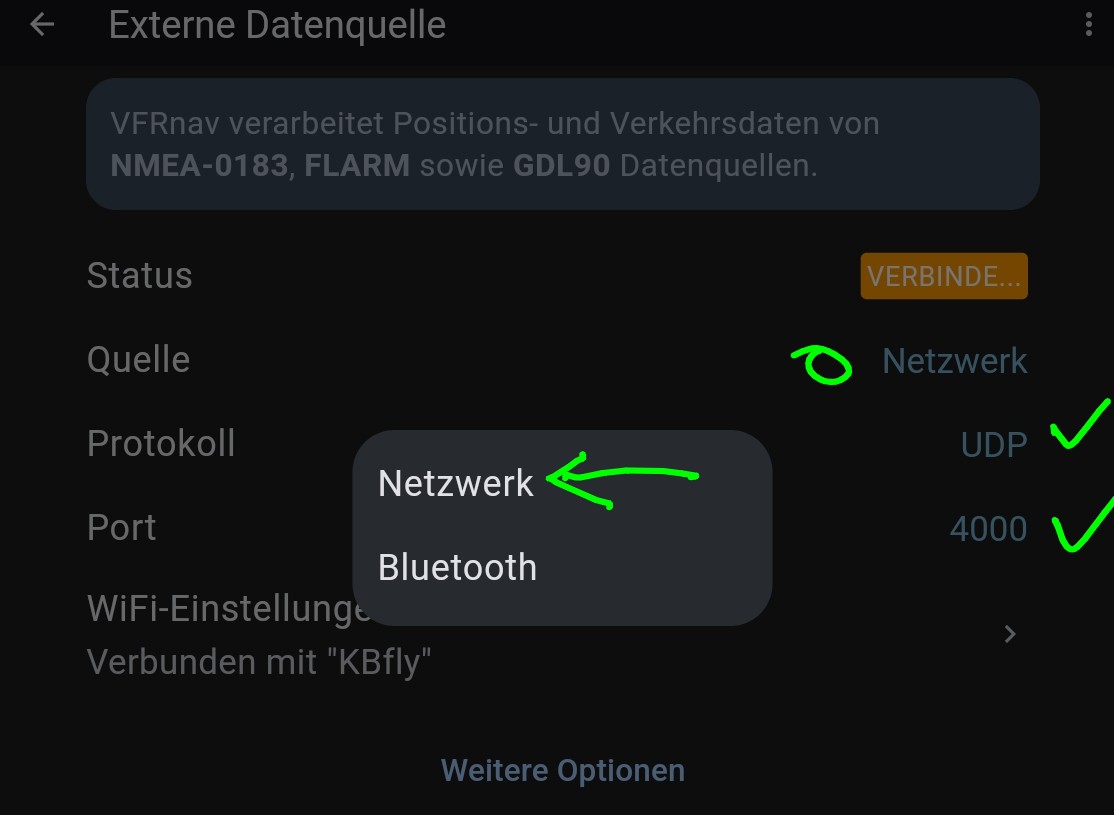
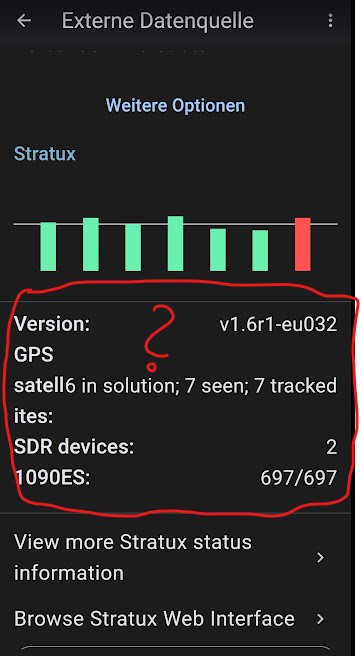
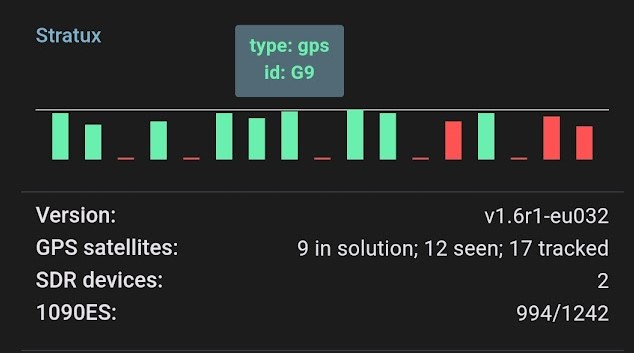
I have noticed with my VFRnav-STRATUX connection that when I connect via the WLAN network “STRATUX”, the VFRnav app’s “External Data Source” also displays the STRATUX GPS reception graphically. Unfortunately, I cannot access the internet via “Mobile Data”, which is important in flight for NOTAMs or weather
Please read the topic -VFRnav and Stratux-. Feel free to download the documentation linked there. Possibly the topic described on page 12 is a potential solution for you. Although the hotspot variant described is still marked as experimental in version 0.32, it actually runs well. Which version is your Stratux? Your suggestions will certainly be reviewed! Thanks for that..
Thank you very much for the quick response and the “STRATUX” documentation, which helped me a lot. I installed version 0.32. Everything is running smoothly.
For the “AP+Client” setup I hadn’t selected the button “Add WiFi Client Network” because I considered it non-functional due to the considerably weaker display and assumed the client network would be adopted automatically in the phone’s settings. After entering the details of my “Client Network”, the STRATUX satellite graphic is displayed and Internet access works at the same time. Basically very simple, “I didn’t see the option at CAVOK”.
Only under the “Signal Quality” setting it remains at “Waiting for GPS…”. VFRnav still shows the current position correctly.
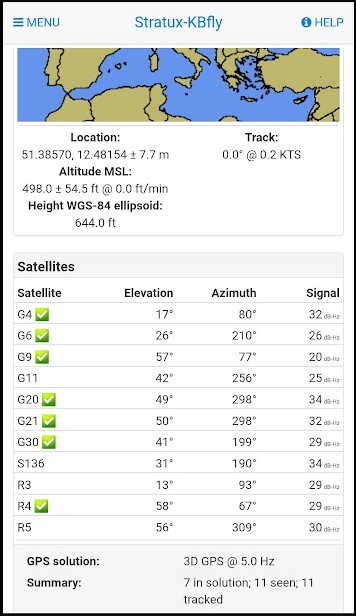
According to the app “GPSTest”, my phone receives GPS perfectly and shows all available satellites. I couldn’t change anything here.
The most common, and usually sole, cause of a missing GPS signal is an unreliable power supply!!! After extensive tests, the Tizi adapters have proven to be functionally reliable for in-aircraft power. For operating the Stratux at home, I exclusively recommend the original Raspberry Pi power supply. (for Pi 4 and later, note the USB-C connector!) If everything is OK here, let’s have another look at VFRnav.
thank you very much for the very prompt update. The “signal quality” display is back. Many thanks also for the explanation of the fail-safe mechanism and the issue with the power supply; it was exactly as you described. The USB cable was only partially suitable for me, too. Now everything is back to how it should be. Great service from you.
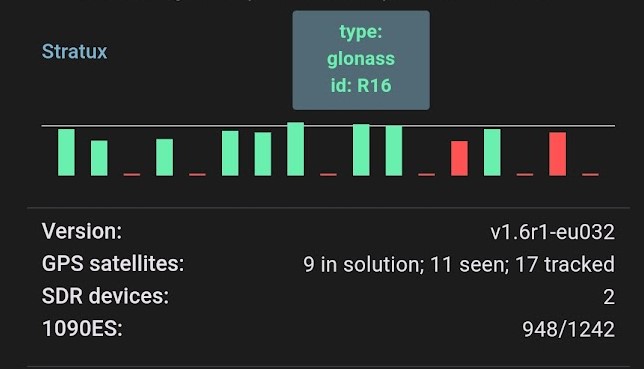
If you’re ever curious about which SatNav data are currently being made available to VFRnav for processing, just tap on one of the reception signal bars.

 Thanks for that – it’s exactly what I wanted.
 The new version was installed automatically. Just had to wait