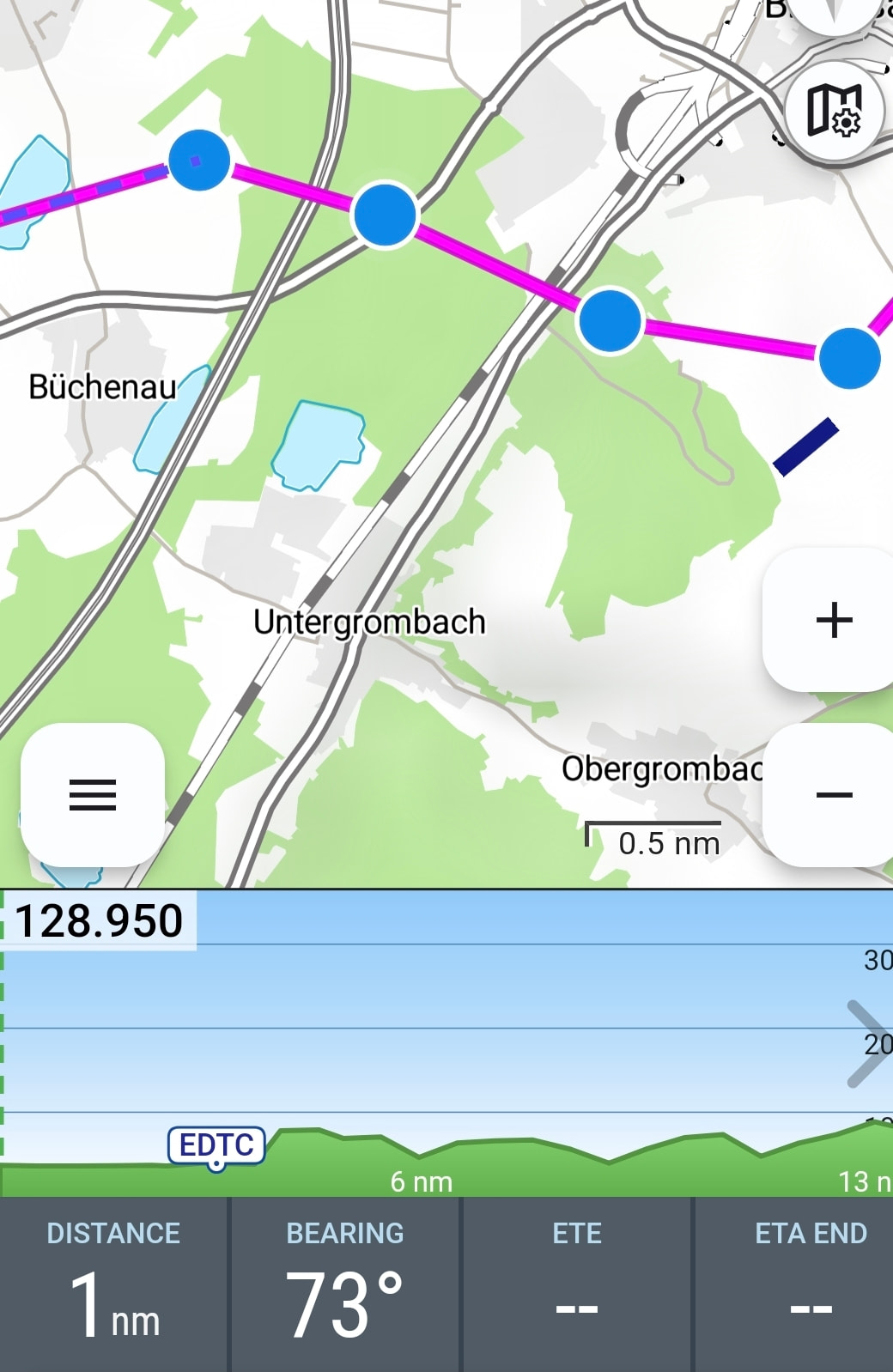
New:User waypoints are now displayed in the vertical airspace profile
New: Improved OpenAir coordinate parsing for better compatibility with third-party data
New: In the PIB (Pre-Flight Information Bulletin), weather data will no longer be decoded if this option is disabled in the settings
New: Tapping an airspace in the left-hand airspace list now highlights it on the map
New: Support and visualization of LFAs (Low Flying Areas) in Germany. Ref.: NFL 2025-1-3686 Bekanntmachung über Tiefflüge mit militärischen Luftfahrzeugen am Tage über Land, Tieffluggebiete 250 ft und Einrichten von Tiefflugschutzzonen für Flugplätze
As always, if you encounter any issues or have ideas for improvements, we’d love to hear from you — either by email or directly here in the forum.
“New: user waypoints are now displayed in the vertical airspace profile “… How or where can I view the waypoints? Do I need to set anything up separately?
You can view or edit your own waypoints in Flight Planning, then in the top right menu under “My Waypoints”.
In the current update, these are displayed not only on the map but also in the airspace profile. That wasn’t the case before. Back then, only the airfields were shown.
To activate, press and hold with two fingers on the map.
Brilliant solution. Thank you very much for this small but powerful tool!!!
But see the screenshot, those waypoints (WPs) should then appear in the airspace section?
What you see in the screenshot aren’t saved waypoints under “My Waypoints”. They’re just intermediate points in the route that you wouldn’t necessarily want to save permanently.
I discovered the measuring tool today. Very, very, very well implemented and absolutely practical. From time to time it’s simply very handy to be able to measure regardless of the route.
Many heartfelt thanks for this - once again - great improvement.
 What’s New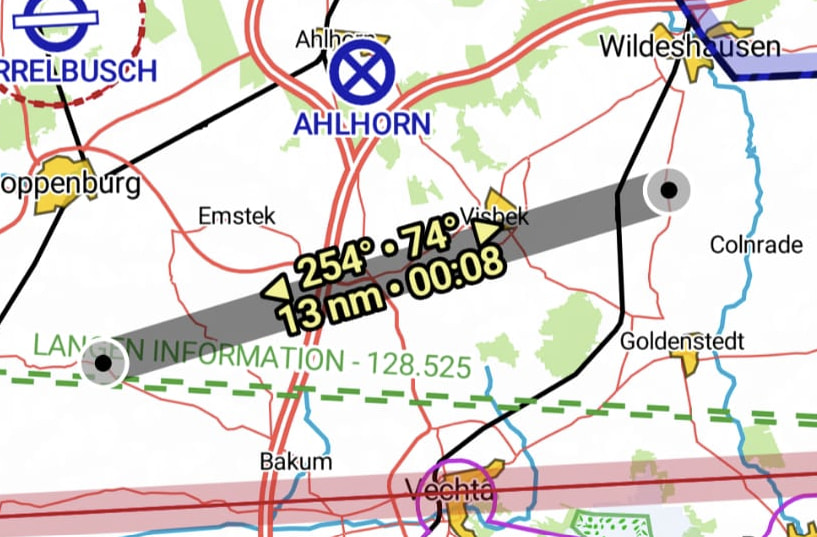



 Thank you very much!