VFRnav 4.23 introduces a new safety-focused feature and includes important usability fixes for iOS users.
New Feature
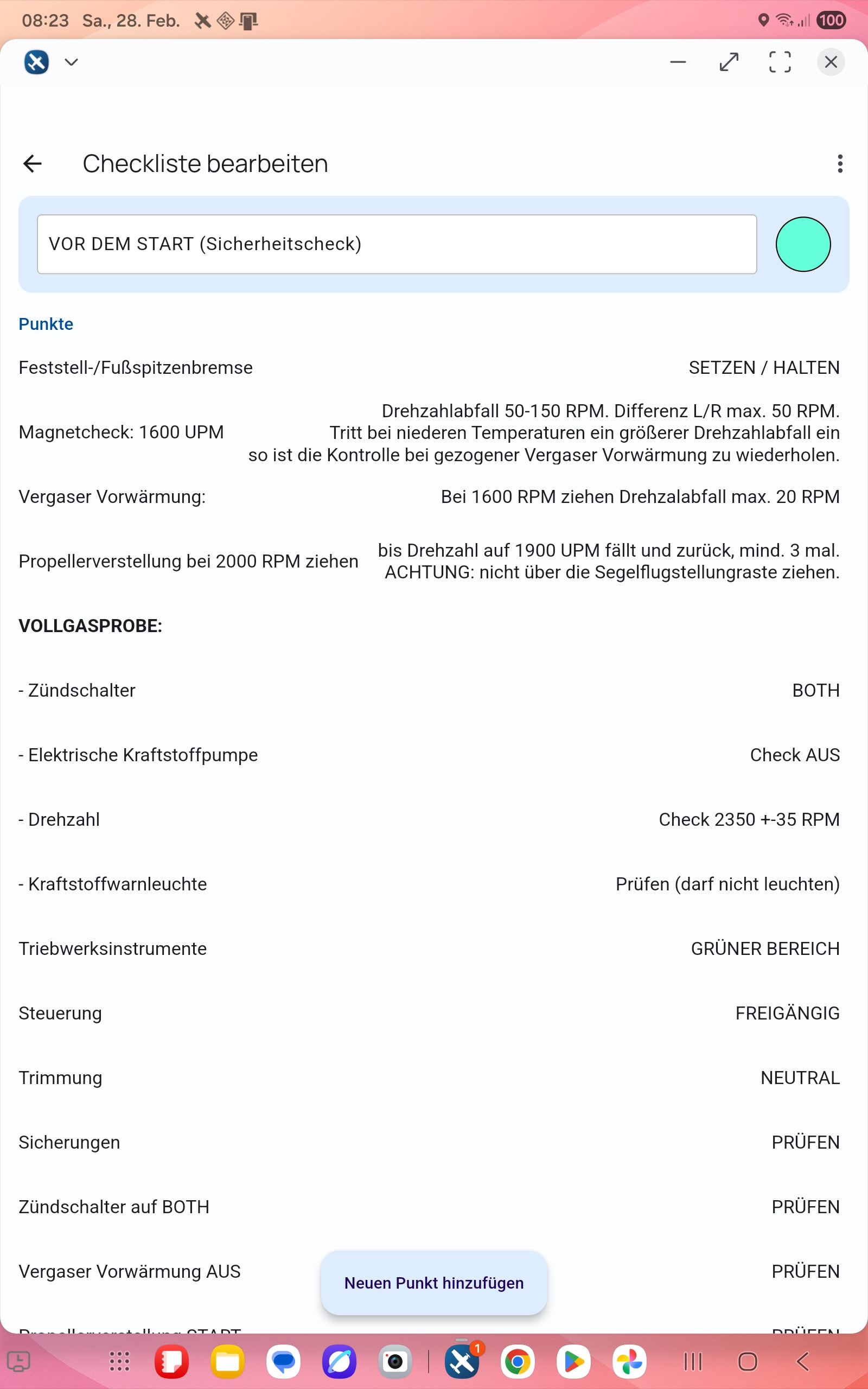
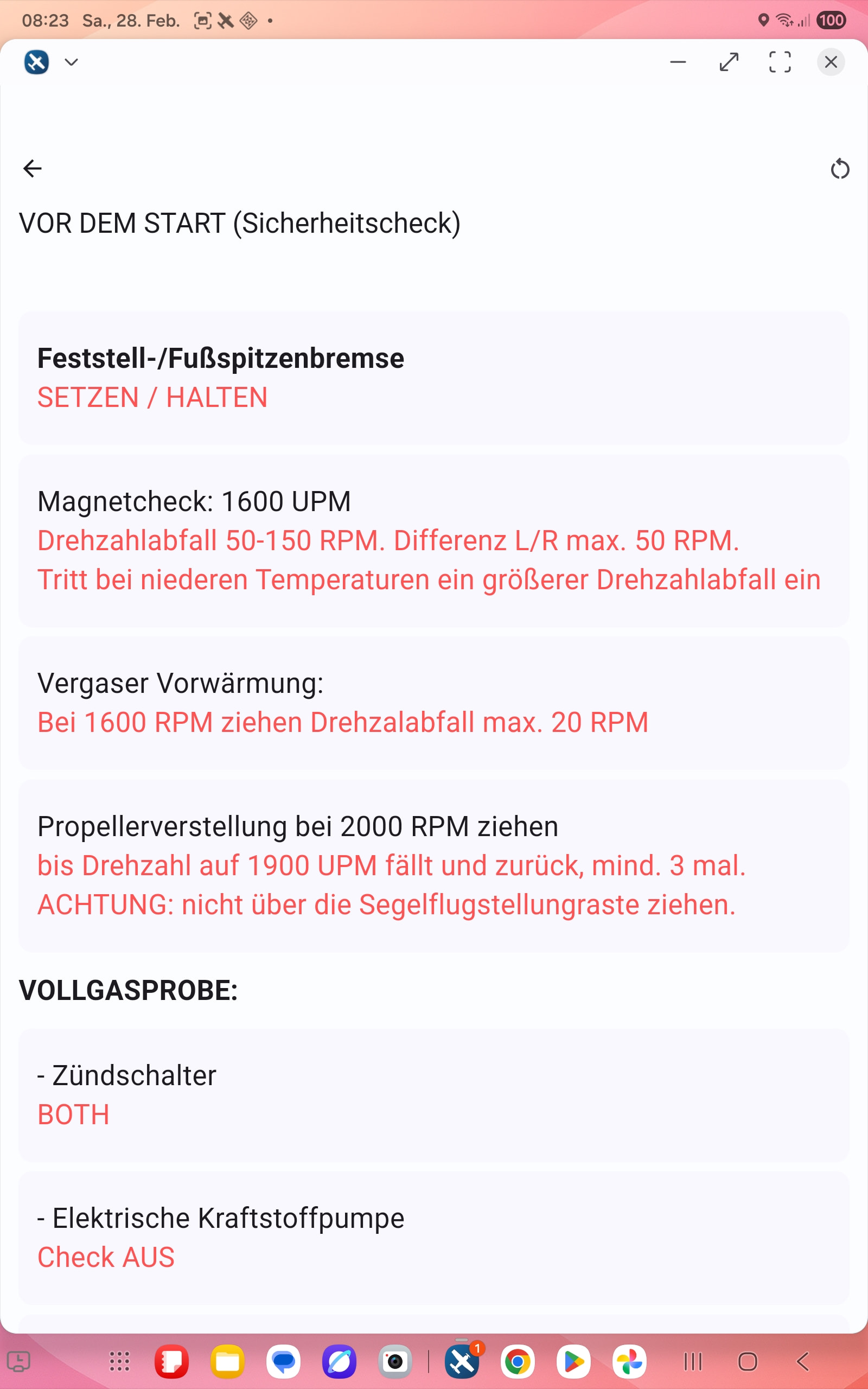
New:Digital Checklists
You can now create individual checklists for each aircraft profile.
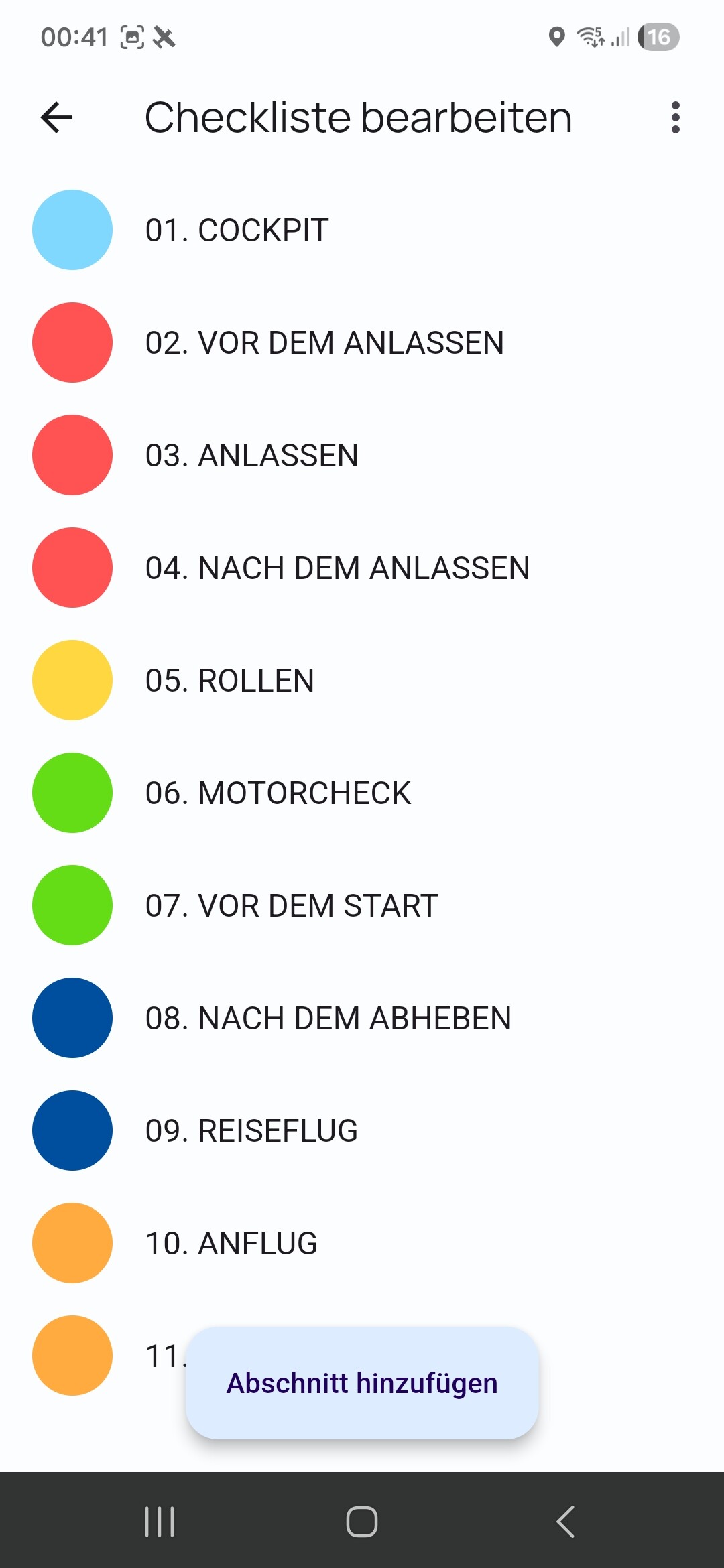
Checklists can be organized into multiple categories, and each section can be assigned its own color for better clarity and quick recognition.
Fix:Negative moment arms are now supported in Weight & Balance calculations on iOS
As always, if you encounter any issues or have suggestions for improvements, we’d love to hear from you — either by email or directly here in the forum.
Good idea. And as an addition it would be great if, after completing/working through the first category checklist, you didn’t have to jump back to the main menu but could select the next category directly via a button. Etc. Because in the end it’s always the same order.
Or am I thinking about this the wrong way?
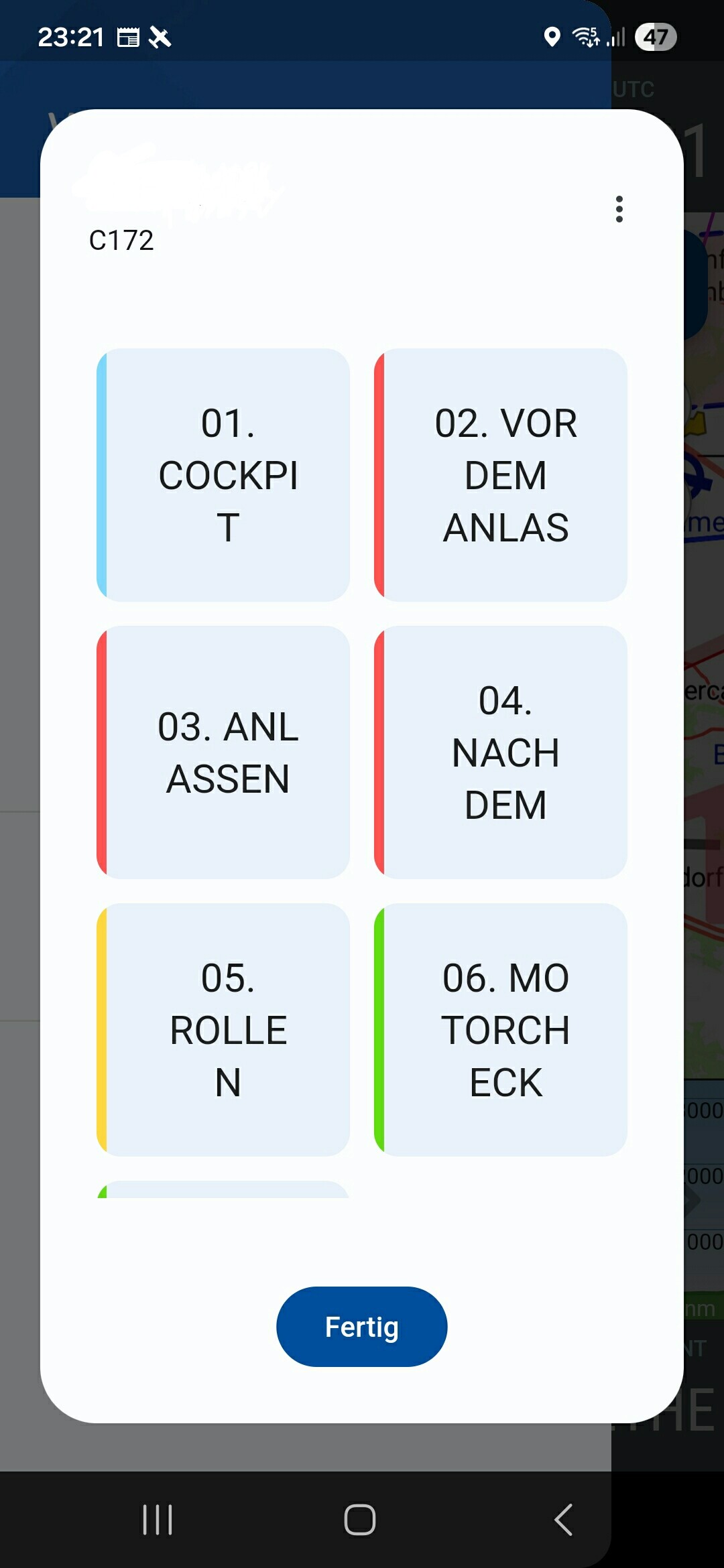
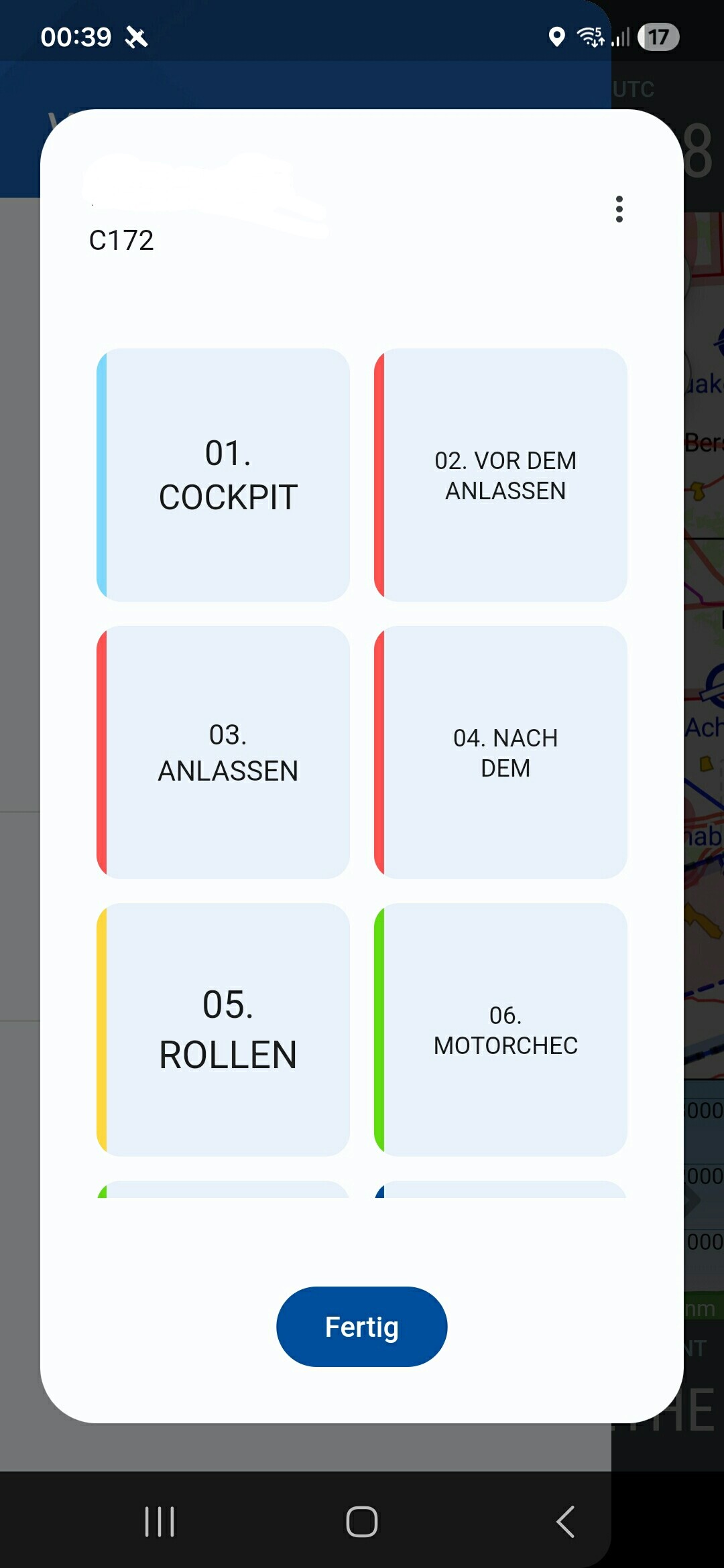
Maybe instead of the main menu tiles you could optionally choose plain horizontal buttons. Because with the tiles you quickly hit the text limits and a line break already occurs in the middle of a word after only a few letters. - Screenshot:
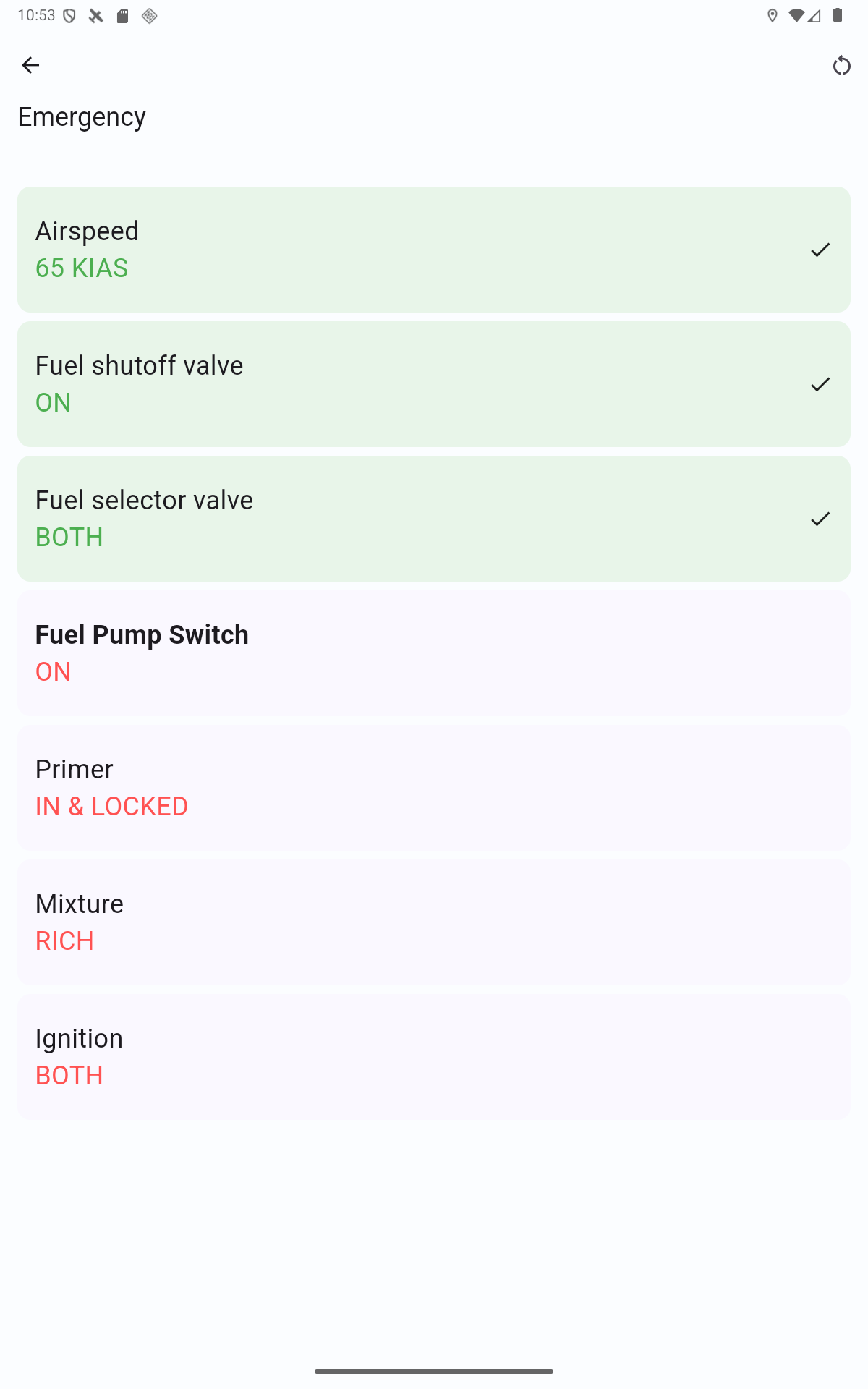
Great feature. However, I found during testing that after the 18th category I can still enter lots of categories, but I can no longer edit them because the screen won’t scroll. A second checklist per aircraft for emergency procedures would also be great. Being able to share the checklist would also be great so that not everyone in the club has to create the checklist. Almost 95% of all members fly using VFR NAV, and the students 100%. Thanks for the great app.
we have now received quite a bit of feedback on the checklists. Many thanks for the many suggestions. I have thought about some things as a result that I would like to share with you here.
That often makes sense, but sometimes it doesn’t — therefore we will initially refrain from this implementation. The reason: Many checklist sections build upon each other in chronological order. However, there are also sections that are independent or not temporally close to the previous section. An example is, for instance, “Emergency” or also “Landing” after the “Takeoff” section.
That is — depending on the screen size — sometimes a bit “ugly”. In the last update we already optimized this somewhat so that scaling occurs before a line break. However, we will continue to monitor it and, if necessary, switch to a line-by-line display on smaller screens
Thanks for the hint. I’ll look into that. At the same time, I think that having that many main categories isn’t sensible and that it reduces clarity.
In the upcoming update there will therefore be a change: there will be a kind of subheadings.
Example:
Category: Preflight inspection
left wing
Item 1
Item 2
Item 3
Fuselage
Item 1
Item 2
Item 3
In the upcoming update there will be an export and import for checklists. For this we have defined a file format that is based on plain text and can therefore be easily edited on a PC.
Feel free to also send me your checklists including the aircraft type. I am happy to collect them. From them a kind of template collection can be created.
Here is an example of a checklist (based on a Breezer B400)
@format = vfrnav checklist v1
@lang = de
@aircraft = Breezer B400-6
@author = Hermann Hölter

[Vorflugkontrolle außen]
@color = #6666ff
## linkes Hauptfahrwerk
Fahrwerksbein = Sichtprüfung
Anbindung Fahrwerk = Sichtprüfung
Luftdruck = Kontrolle
Reifen, Rad, Bremse = Sichtprüfung
## linke Tragfläche
Beplankung = Sichtprüfung
Stau- und Statikrohr = Bohrung offen und sauber
Randbogen = Sichtprüfung
Querruder = Sichtprüfung
Landeklappe = Sichtprüfung
Rumpf = Sichtprüfung
## Leitwerke
Flossen und Ruder = Sichtprüfung
Trimmung = Sichtprüfung
## Rechte Tragfläche
Beplankung = Sichtprüfung
Landeklappe = Sichtprüfung
Querruder = Sichtprüfung
Randbogen = Sichtprüfung
## Rechtes Hauptfahrwerk
Fahrwerksbein = Sichtprüfung
Anbindung Fahrwerk = Sichtprüfung
Luftdruck = Kontrolle
Reifen, Rad, Bremse = Sichtprüfung
## Rumpfvorderteil
Kraftstoffmenge = prüfen
Propeller durchdrehen bis „gurgeln“
Ölstand = prüfen
Kühlmittelstand = prüfen
Cowling = Sichtprüfung
Lufteinlässe = frei
Propeller = Sichtprüfung
Spinner = Sichtprüfung
Bugfahrwerk, Rad = Sichtprüfung
Luftdruck = Kontrolle

[Vor dem Anlassen]
@color = #66ff66
Vorflugkontrolle = durchgeführt
Anschnallgurte = angelegt
Brandhahn = auf
Rettung = entsichert
Bremse = betätigt
Avionik = aus

[Anlassen]
@color = #d966ff
Choke = ein
Gashebel = Leerlauf
Hauptschalter = ein
Propellerbereich = frei
Magnete = beide EIN
Anlasser = betätigen, bis Motor läuft

[Nach dem Anlassen]
@color = #f0b975
Öldruck = prüfen
Warmlaufen = 2200-2500 UpM
Choke = langsam zurück, Gas ggf. nachregeln
Avionik = ein
Höhenmesser = QNH

[Vor dem Start]
@color = #66ffff
Zündkreiskontrolle = 4000 UpM
maximaler Unterschied zw. A u. B = 115 UpM
Ruder = frei und gängig
Klappen = 1. Stufe
Trimmung = neutral
Choke = aus
Öltemperatur = min. 50°C
Benzinpumpe = ein
Transponder = Mode ALT
Kabinenhaube = verriegelt

[Start]
@color = #ffff66
Höhenruder = neutral
Gashebel = langsam Vollgas
Bugrad entlasten = bei 70 km/h
steigen = mit 110 km/h
## ab 300 ft
Klappen = ein
Drehzahl = 5000 UpM
Benzinpumpe = aus

[Platzrunde]
@color = #ff66ff
Gegenanflug = 140 km/h
Ende Gegenanflug = Benzinpumpe ein
Eindrehen Queranflug = Fahrt auf 110 km/h
Queranflug = Klappen 1. Stufe
Endanflug = Klappen 2. Stufe

[Landung]
@color = #d1e085
Anfluggeschw. = 110 km/h
Aufsetzen = mit Hauptfahrwerk bei ca. 75 km/h
Bugfahrwerk = weiter durch Höhenruder entlasten
Klappen = einfahren

[Abstellen]
@color = #6666ff
Gashebel = Leerlauf
Avionikschalter = aus
Magnete = beide aus
Hauptschalter = aus
Schlüssel = abziehen
Rettung = sichern

[Flugzeugdaten \u0026 -grenzen]
@color = #ff6666
Mindestgeschwindigkeit 3. Klappenstufe = 52 km/h
Mindestgeschwindigkeit ohne Klappen = 73 km/h
max. Klappengeschwindigkeit = 126 km/h
Manövergeschwindigkeit = 178 km/h
optimaler Reiseflug = 4200-5000 UpM
max. Seitenwindkomp. = 22 km/h (12 kt)
Verbrauch = 16 L bei 170 km/h | 13 L bei 150 km/h
max. Öltemperatur = 130 °C
max. Zylinderkopftemp. = 120 °C
A detailed documentation on this will be released in the coming days in the VFRnav Manual.
As mentioned, everything will be in the upcoming version 4.24
It also has the advantage, in my opinion, that you can follow the items better from top to bottom.
I hope you understand my approach.
Warm regards.
Keep up the great work!!!
P.S. Then an accordion would even be possible.
You see all the items one under the other, and when you click on a category the accordion / the dropdown menu opens downward and you can tick off the checklist items one after another. That would be space-saving and clear. But just an idea…
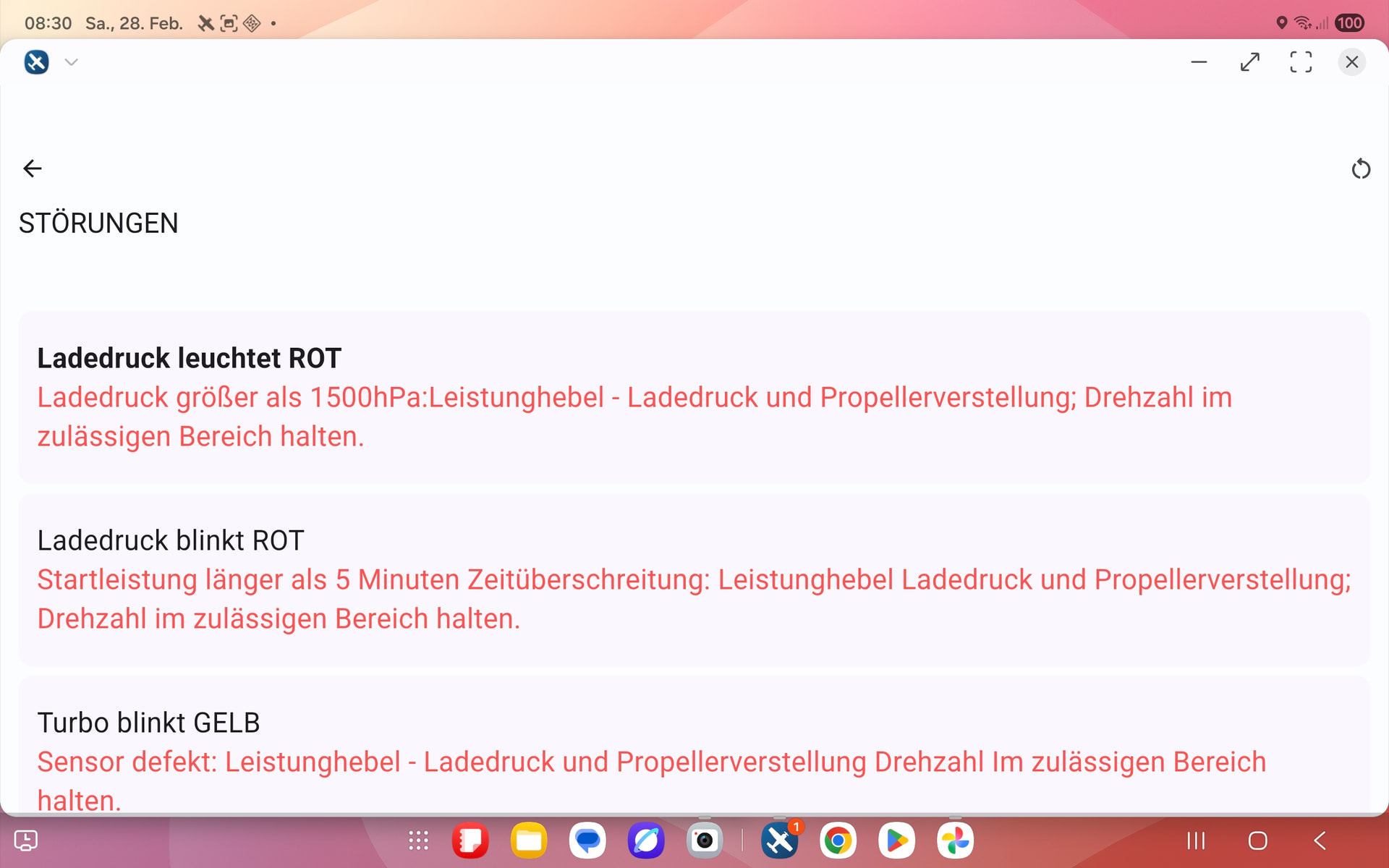
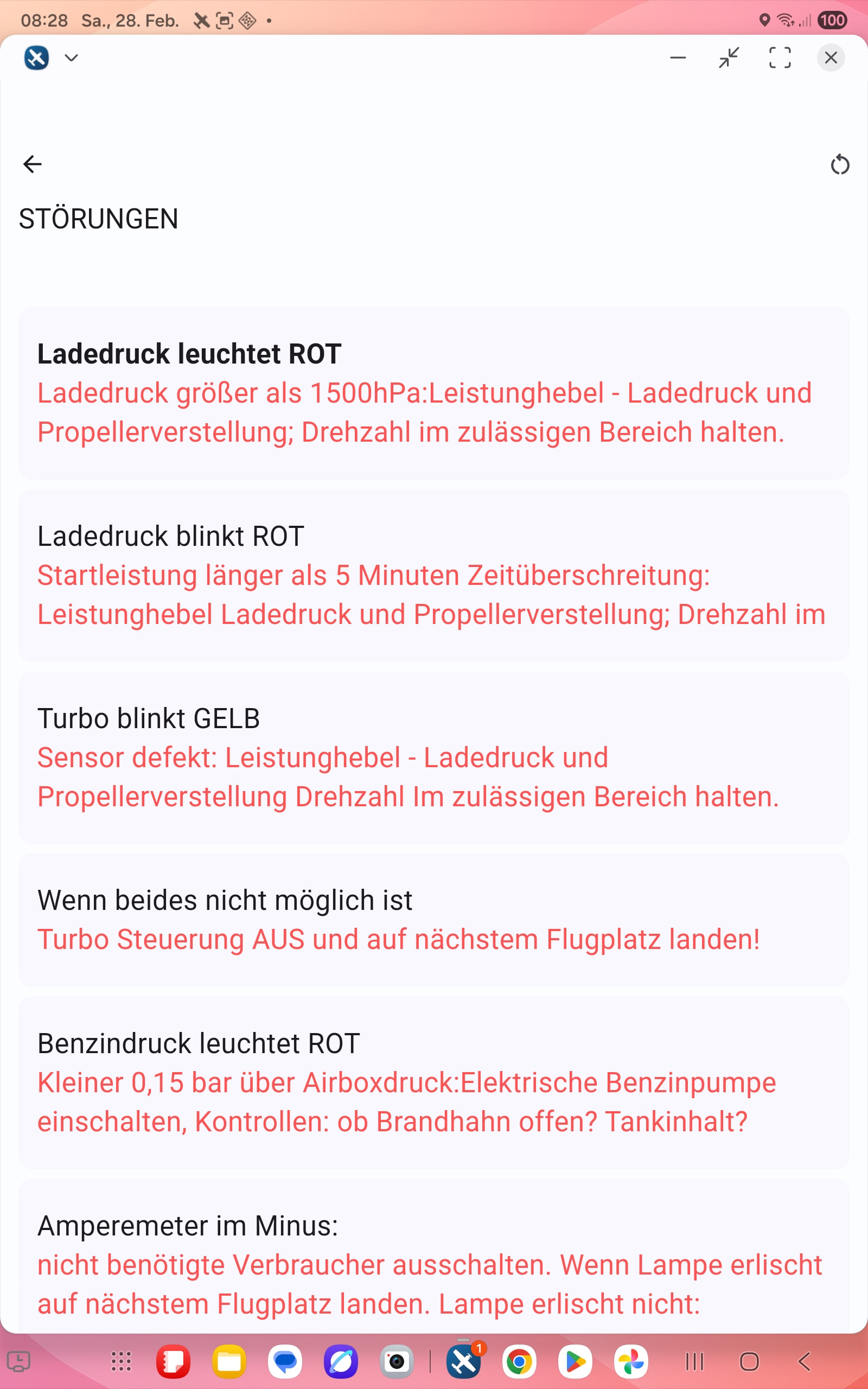
Thanks for implementing the checklist function. I have now entered the checklists for our aircraft and was able to export them for our members and students without any problems. However, I have issues with items that require a bit more text. The texts are cut off depending on portrait or landscape orientation. It also seems that only a maximum of 2 lines is possible. Is there perhaps a way to adjust the font size and/or highlight important items? For example, for the turbine engine “LET THE ENGINE IDLE FOR AT LEAST 2 MINUTES”
 New Feature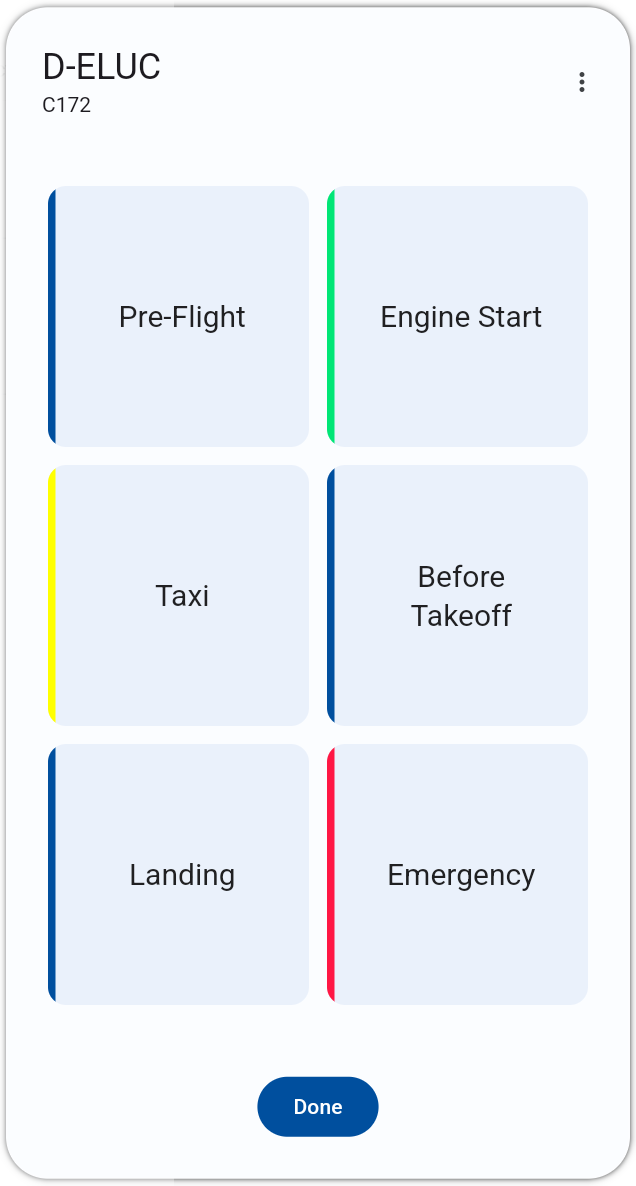


 …Brilliant , many thanks Hermann!