VFRnav 4.28 is a maintenance update focused on internal improvements, code cleanup, and bug fixes.
While this release does not introduce new user-facing features, it lays important groundwork for improved stability, maintainability, and future development.
As always, if you encounter any issues or have suggestions for improvement, we’d be happy to hear from you — either by email or here in the forum.
I brought this up some time ago but didn’t follow up.
It’s about font sizes in the map display.
Are there any ways going forward to change the font sizes on Apple and Android?
Android phones are fine, but on the iPad Mini 7 the font sizes of place names and airspaces are hard to read, especially when wearing sunglasses and the device is mounted on the panel!
Zooming doesn’t help because the font size stays the same.
Compared with the iPad Mini 7, the font size is actually larger on the Samsung Galaxy S23 Ultra anyway.
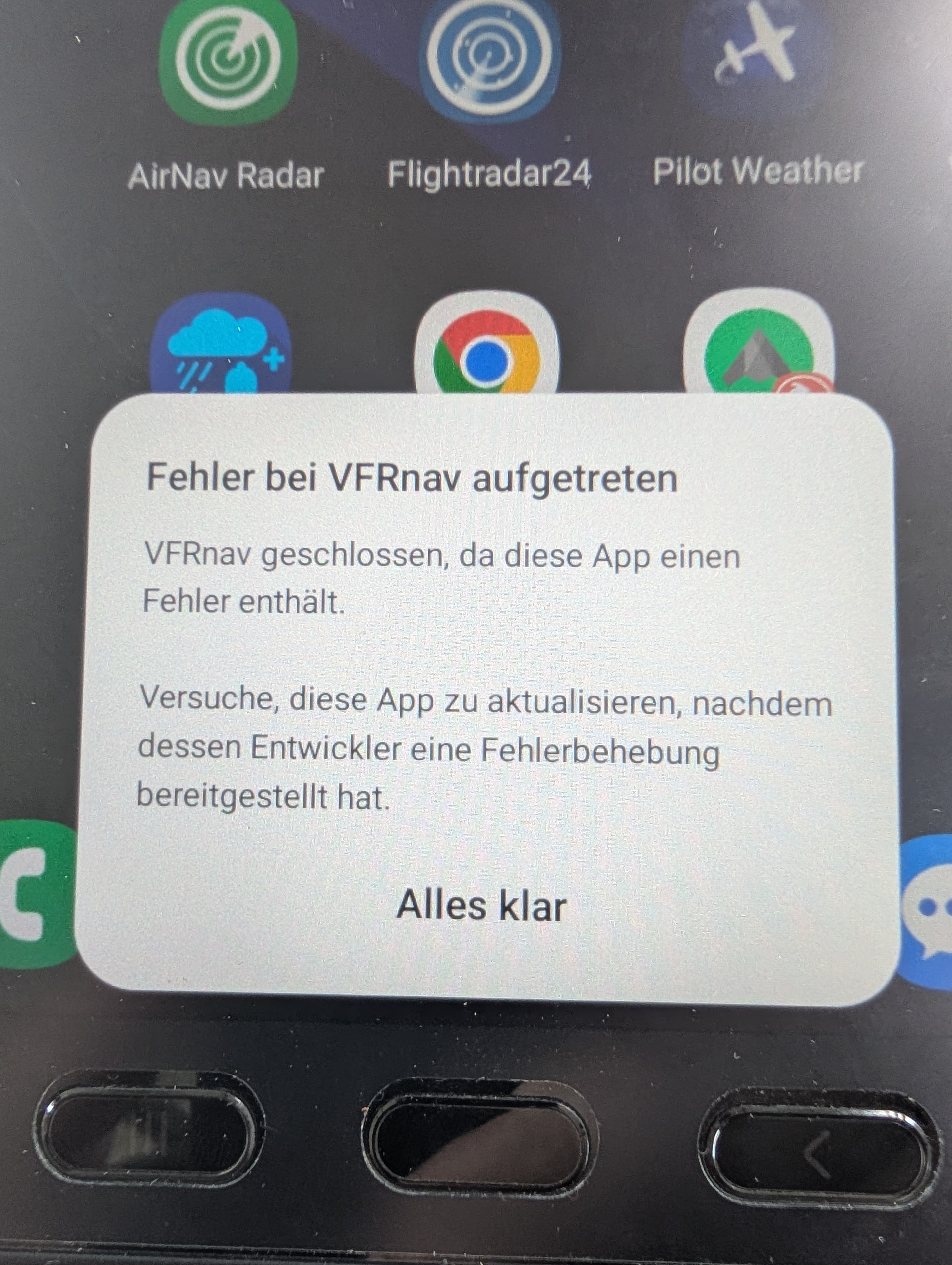
Does your Samsung have a slot for an SD card and do you use it for the maps? I once had the same error on my Xiaomi. In the end the cause was that the SD card had failed. I removed it, started VFRnav, set the map storage to the internal storage, re-downloaded the maps and everything was fine again.
according to the error logs you initially had version 4.28 installed on your tablet, then downgraded to version 4.26 and afterwards back to 4.28.
That doesn’t work.
Please always download VFRnav from the official source — the Play Store. Also make sure, when restoring a backup, transferring from another device, or similar, that the current version is always installed.
In this case only clearing the app data (including cache) will help. This will result in data loss.
Regardless of your current problem, the repeatedly mentioned recommendation applies: make a backup! Use the sync function if applicable! When it comes to recovery, VFRnav really offers well-developed options! Devices can always get damaged… then what?
I had asked the question after the release?
If applicable, I would wait to delete anything until the next update in the Play Store and try to install that… perhaps a second device is available?
It’s just the current one that’s being downloaded from the Play Store. I can’t tell you the exact version number right now because the app won’t open. The downgrade thing is a mystery to me. The Play Store wouldn’t downgrade it, would it?
Maybe something got mixed up on your device, because it’s running on my phone too, but I don’t update it that often there. It’s just a backup. Maybe that’s the issue with the different versions it’s showing you?
 VFRnav 4.28
 But code maintenance and optimizations have to happen sometimes too

 Just need the weather to cooperate…