Transmit frequencies to the aircraft radio
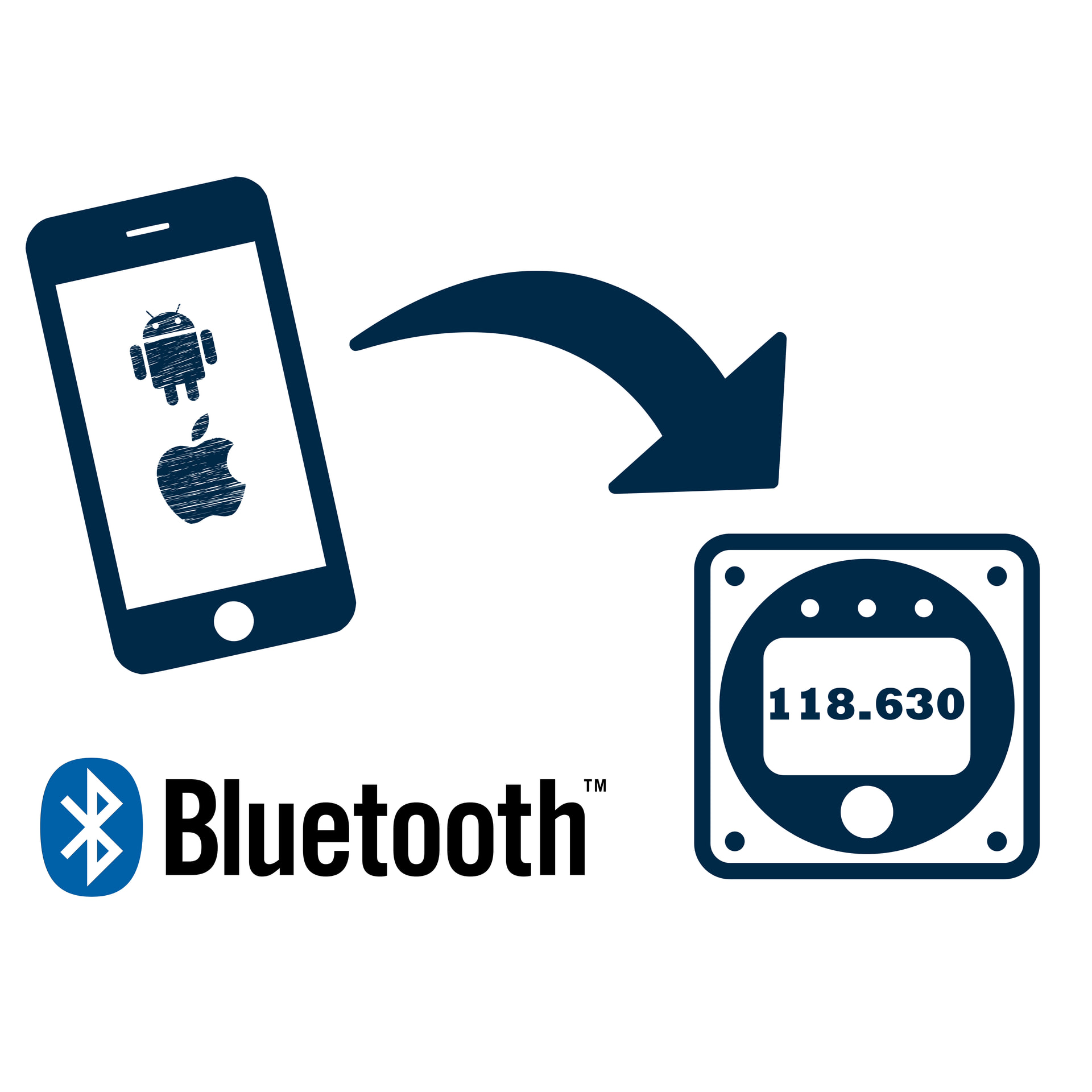
VFRnav offers the possibility to transmit displayed radio frequencies directly to the onboard aircraft radio.
This eliminates the need to manually tune the frequency on the radio, reducing workload in the cockpit and minimising the risk of input errors.
Supported radios
VFRnav supports a wide range of current aircraft radios from various manufacturers, including TQ, Funke, Becker and Trig.
The exact range of functions may vary depending on the device type.
A current overview of supported radios and Bluetooth adapters is available in the Flugbetrieb-Shop.
For questions about additional devices, please send an inquiry to mail@flugbetrieb.com.
Connection to the radio
The connection between VFRnav and the radio is made via a compatible Bluetooth adapter.
The connection is established once in the VFRnav settings under “Radio”.
After successful setup the connection is automatically available at each app start.
Setting and transmitting frequencies
There are two options available to transmit frequencies to the radio:
1. Displayed frequencies
After the connection is established, all frequencies shown in VFRnav can be sent directly to the radio.
A simple tap on the respective frequency is sufficient.
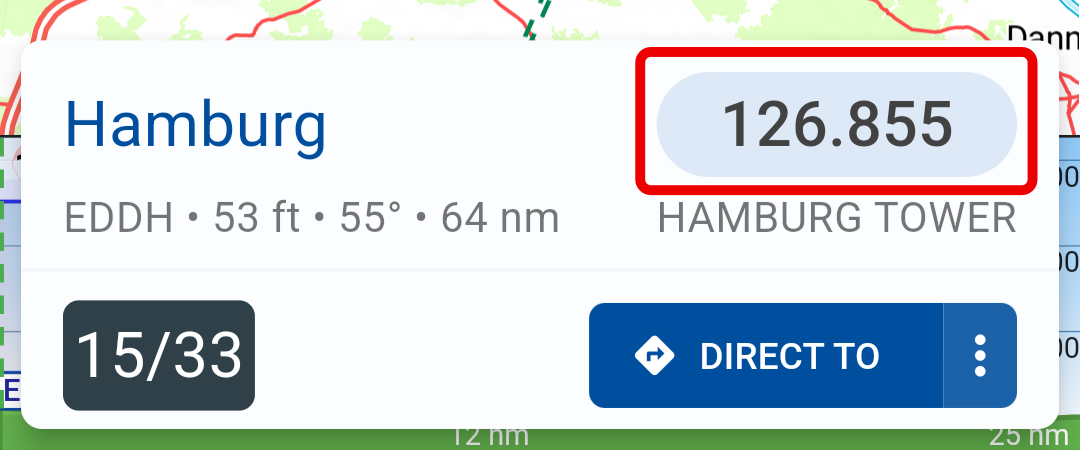
By default the transfer is performed according to the option set in the VFRnav settings either to the active or passive (standby) frequency.
By long-pressing a frequency it is carried over into the dialog for manual frequency entry (see next section).
2. Manual frequency entry
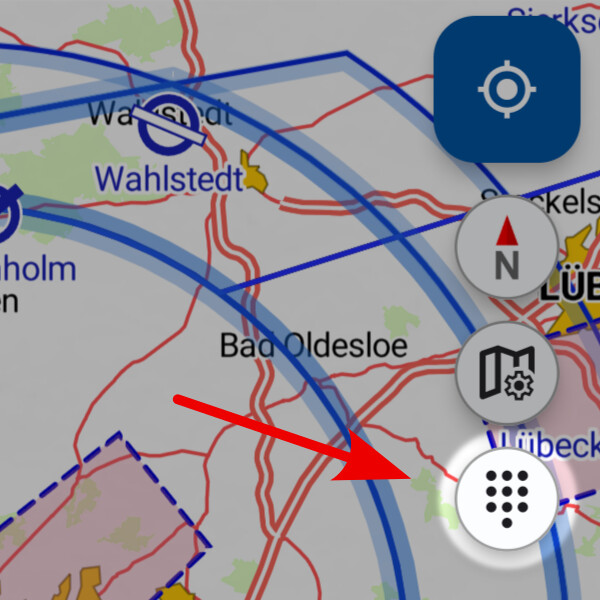
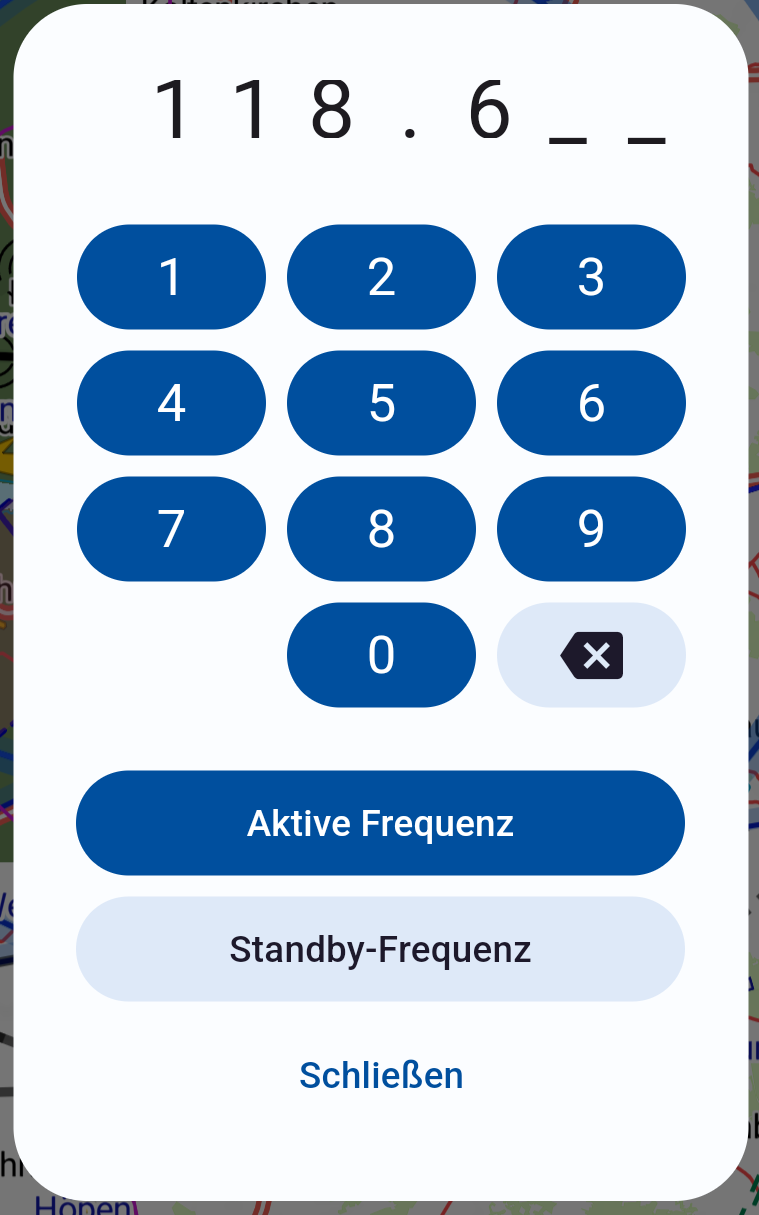
Via the Dial button at the top right of the map view a frequency can be entered manually.
The entered frequency can then be transmitted to the radio either as the active or passive frequency.
Safety notice
Note:
The transmission of frequencies is a convenience feature.
The pilot remains at all times responsible for the correct setting and verification of the active radio frequency.