To make this evaluable for flight planning, proceed as follows:
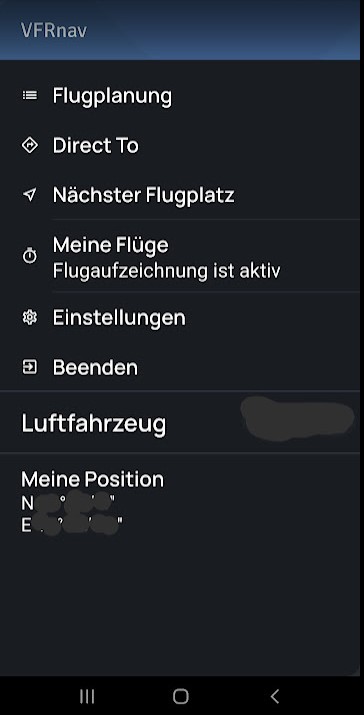
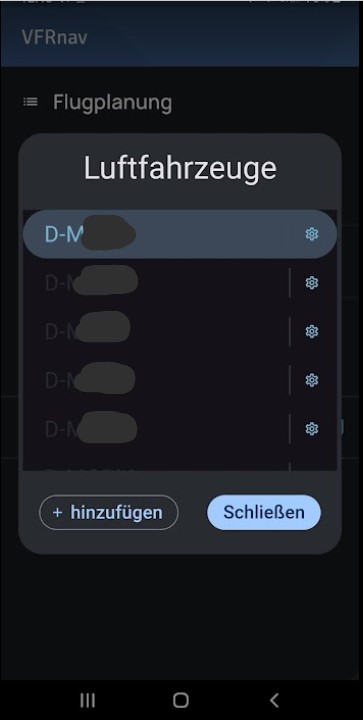
First, select the respective aircraft in VFRnav to enter the baseline values.
Then activate the gear icon next to the aircraft:
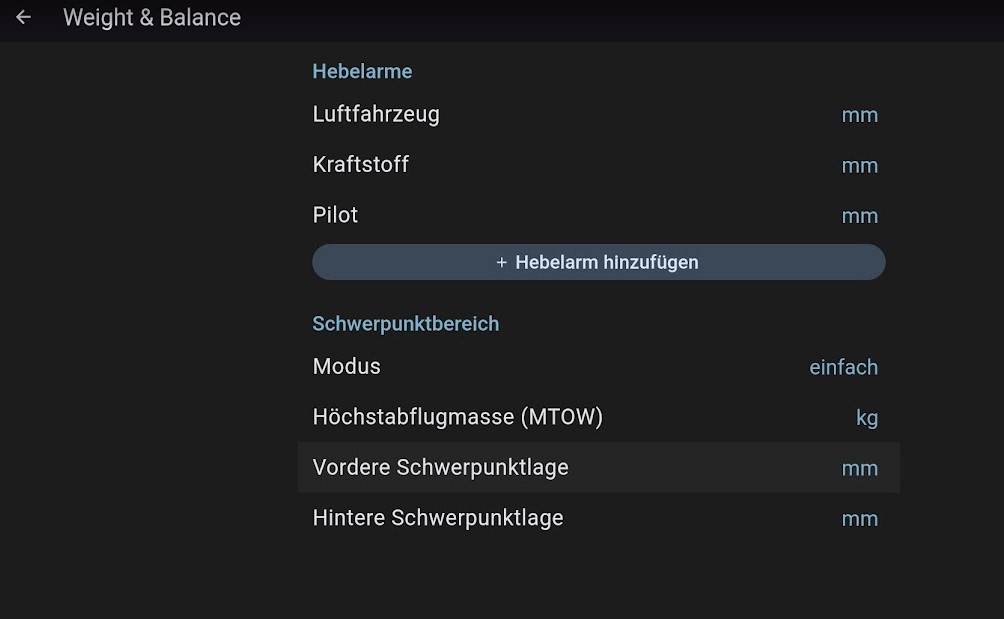
In the aircraft configuration page, navigate to the Weight & Balance menu item
On the following page, fill in all the data. The corresponding values can be found in the latest weighing report and in the aircraft manual. Note: please scroll down at certain points if necessary to see more fields.
Of course, you update the fuel values and the pilot weight for each flight.
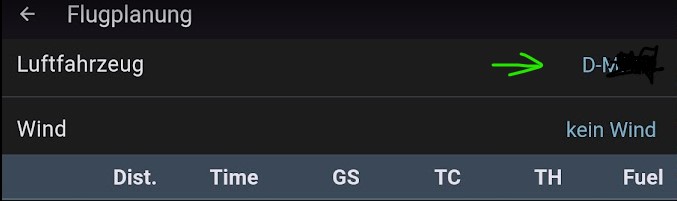
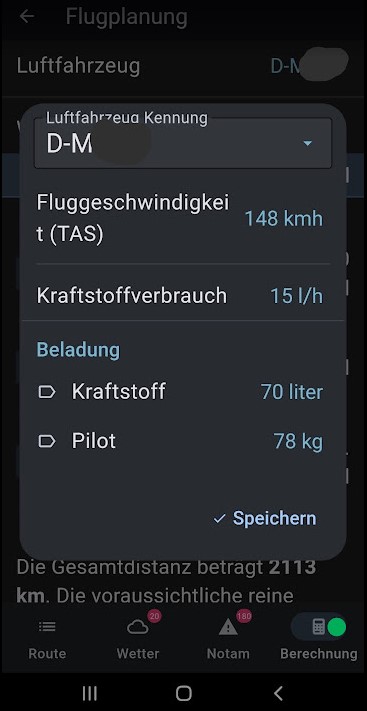
To do this, go to Flight Planning → Calculation.
Here, click on the aircraft registration and enter the corresponding values.
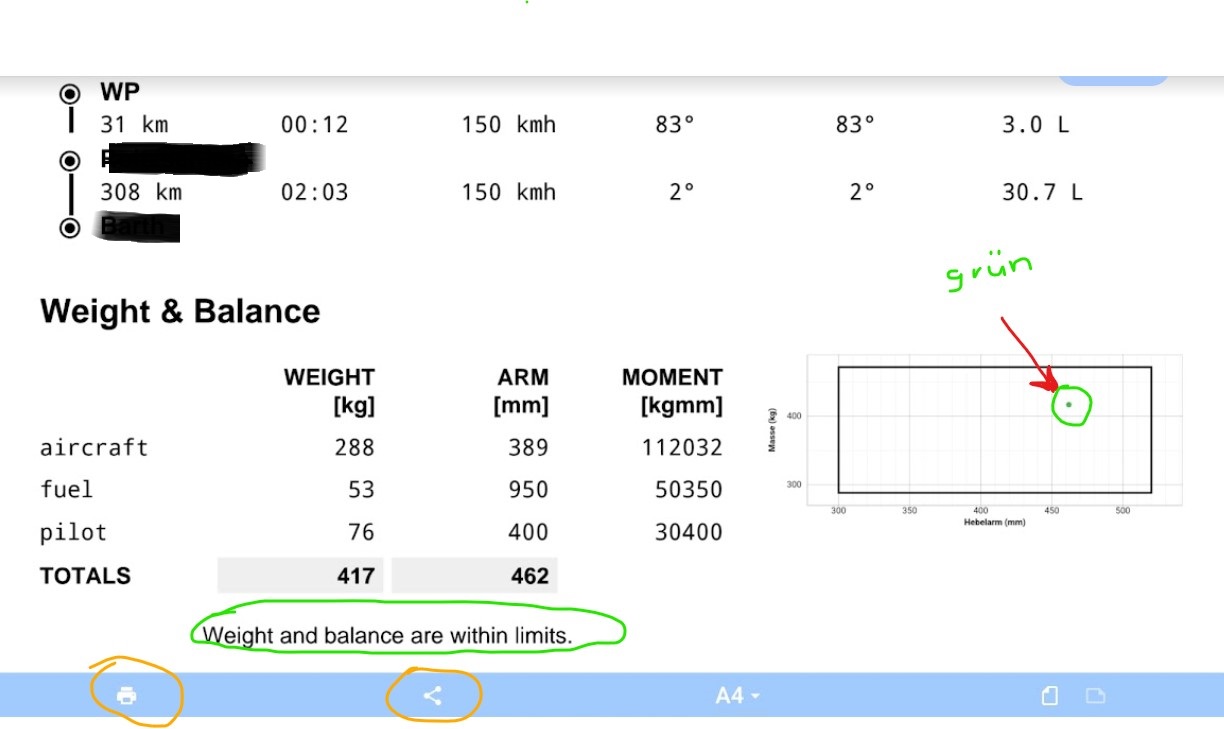
Then, in Flight Planning under -Calculation-, you can generate the PIB and see the integrated Weight & Balance. Here you can see whether you are within the limits (green dot positioned accordingly) or outside of the limits (dot turns red accordingly).
You can print the whole thing or share it as usual.
I was also very pleased that it is now possible to do a proper W&B calculation.
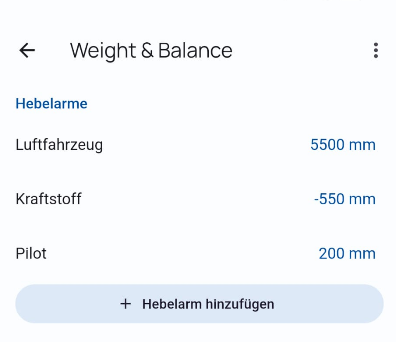
For this I have a small feature request: Negative values for lever arms.
I fly an aircraft (Breezer) that has the tank in front of the datum (reference point). More fuel therefore corresponds here to a negative moment.
I think this can easily be solved by removing the restriction to positive integers.
Hmm, you’re right. It’s very likely an iPhone problem and not the software itself.
For me it simply follows from the fact that a numeric keyboard is displayed for the input that only allows 0–9. No commas or sign characters.